Productivity
Organisation methods and best practices for solo or team work.
Miro alternatives: how to choose in 2026
Miro is passing into Bending Spoons' hands. A good moment to review your whiteboard: the criteria that really count, and when a built-in board is enough.
Microsoft To Do alternative: beyond lists
Microsoft To Do handles simple lists very well. What it doesn't do, the point where that starts to hurt, and how to replace it without breaking things.
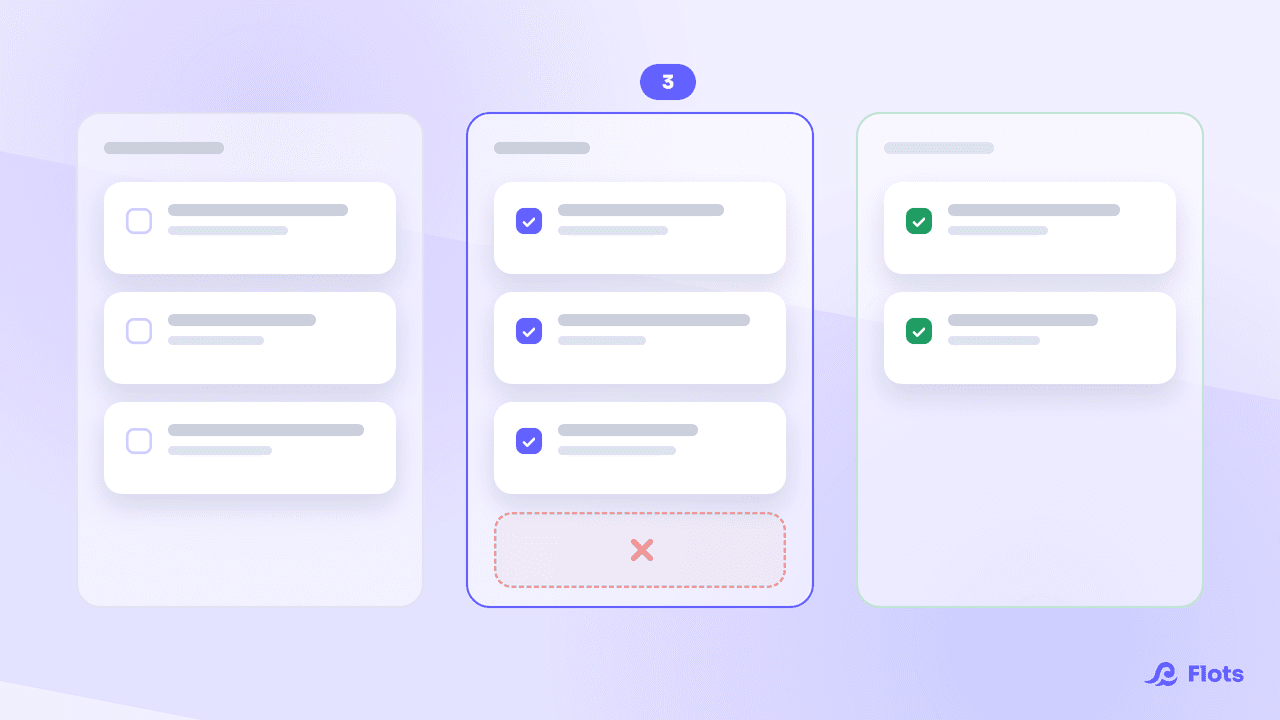
Kanban method: make your work visible
Kanban fits into three columns and one rule: cap what you run at the same time. Where it comes from, what it asks, and how to apply it without a dedicated board.
Evernote alternative: past the 50-note cap
Evernote's free plan is capped at 50 notes and a single notebook. What that changes day to day, how to get your notes out, and what to replace it with.
Deep work: how to actually focus
An interruption costs an average of 23 minutes of recovery time. Deep work means protecting real blocks of focus, and defending them in your calendar.
Free organization apps: where the limits sit
Free is rarely a gift: it gets paid in limits, ads or data. The five questions to ask before building your whole organization on top of a free tool.
ADHD apps: how to pick the right one
Visual timers, illustrated planners, lists, all-in-one tools: ADHD app families don't solve the same problem. The grid to decide with, and a one-week test.
Productivity methods: which one should you pick?
GTD, PARA, Pomodoro, Eisenhower, time blocking: each one solves a different problem. How to name the problem you actually have, and choose accordingly.
Note-taking apps: how to actually choose
Stylus, keyboard, voice: the medium matters less than you'd think. What the research says, and how to pick a note-taking app you'll actually reopen.
Best organization apps in 2026
Todoist, Notion, Trello, ClickUp, Google Tasks, Flots: what each organization app does well, where it stops, and how to pick the right one for you.
Mental load: what actually makes it lighter
Mental load comes less from what you do than from what you keep in your head. What research says actually relieves it, and the tools that genuinely help.
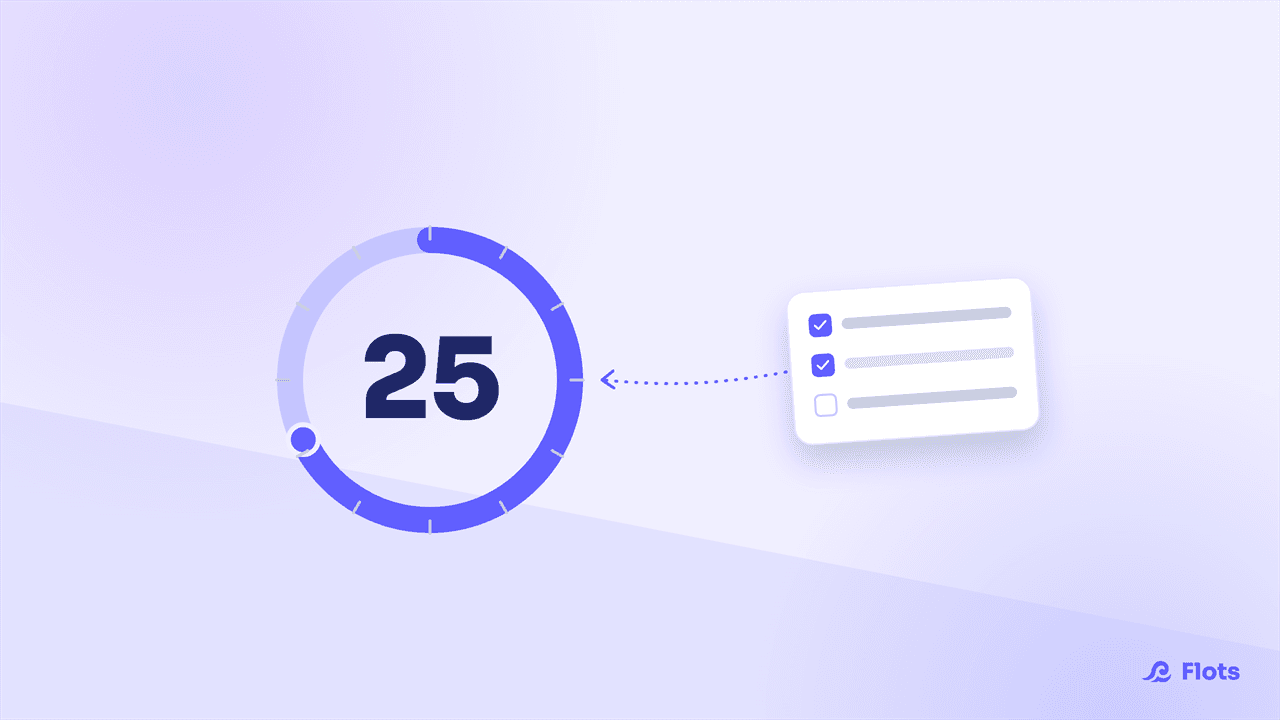
The Pomodoro Technique: Focus Sessions That Hold Up All Day
25 minutes of focus, 5 of a break: Francesco Cirillo's Pomodoro Technique, sourced, and how to fit it onto your calendar with Flots.
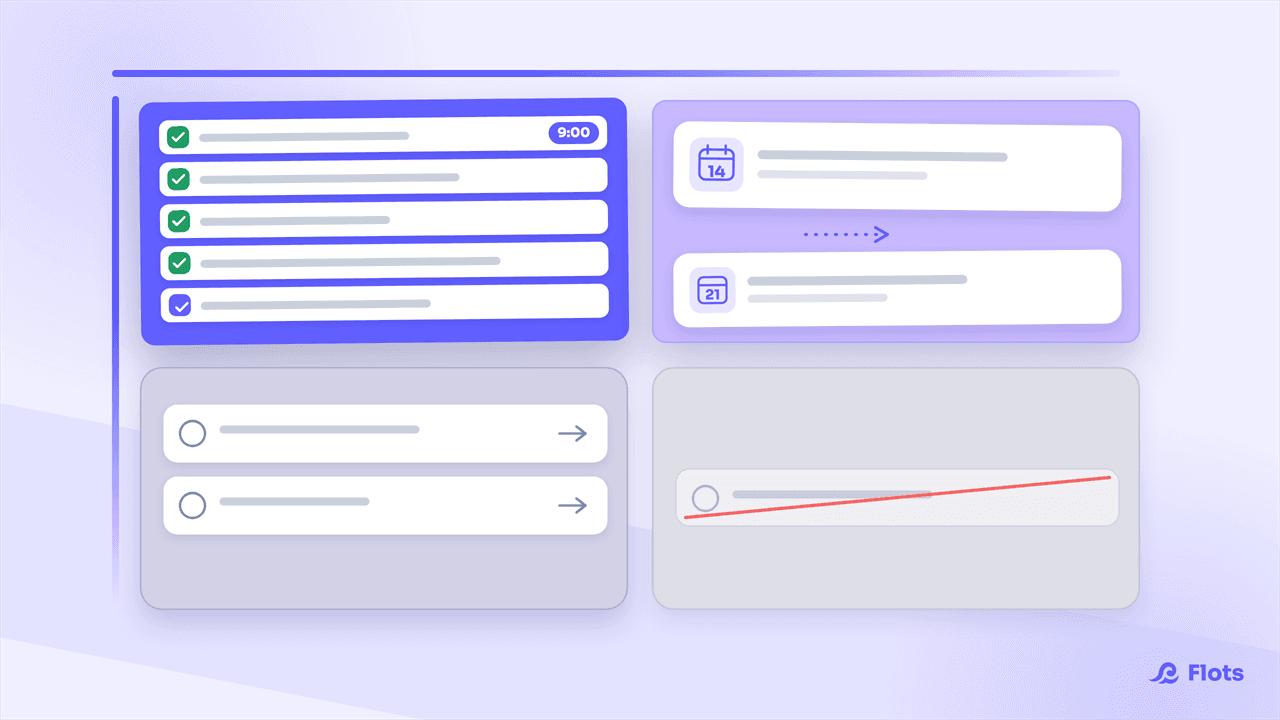
Eisenhower Matrix: Prioritize Your Tasks
Everything feels urgent until you actually sort it. The Eisenhower Matrix sorts your tasks into 4 quadrants so you can prioritize for real, fast.
How to Stop Procrastinating: What Actually Works
Procrastination is an emotional avoidance reflex, not a lack of willpower. The real mechanism, backed by research, plus practical levers that work.
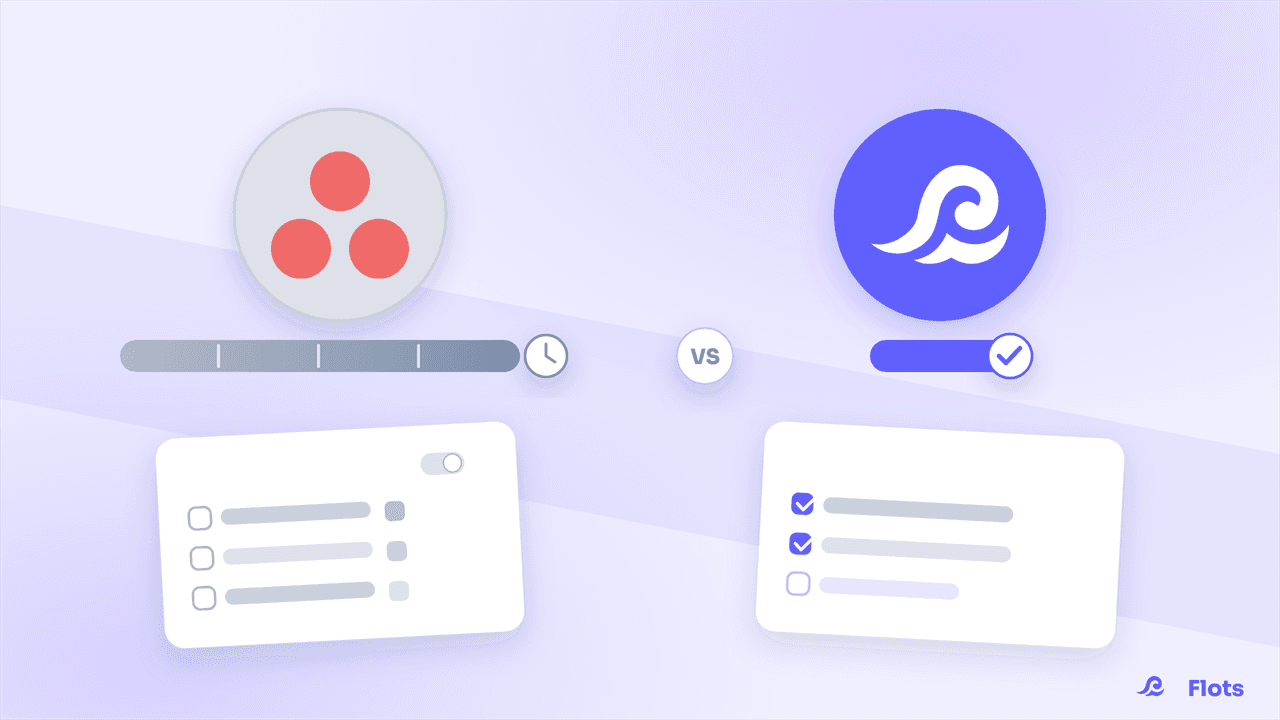
Asana vs Flots: which tool fits a small team?
Asana excels at complex workflows, but demands setup time and training. Flots keeps it simple: ready in minutes, no dedicated admin required.
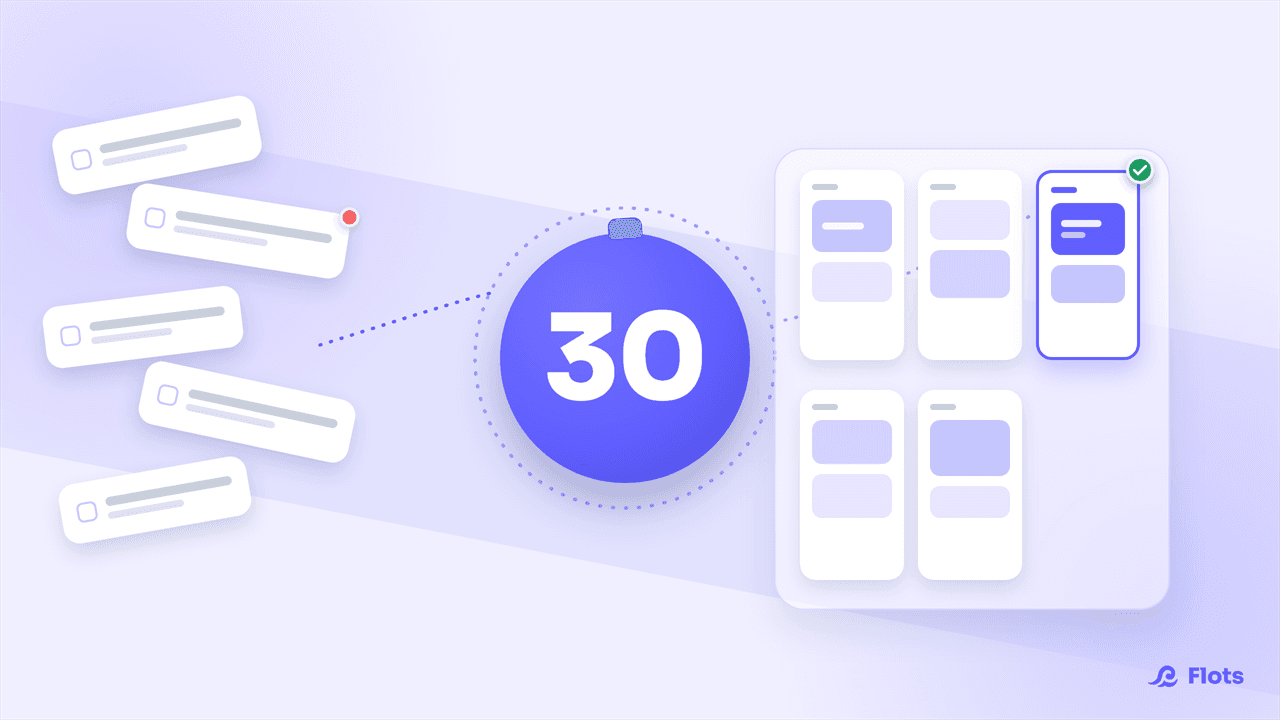
Weekly Review: The 30-Minute Ritual
Clear your lists, reschedule what slipped, and look ahead to next week: the weekly review fits in 30 minutes, step by step.
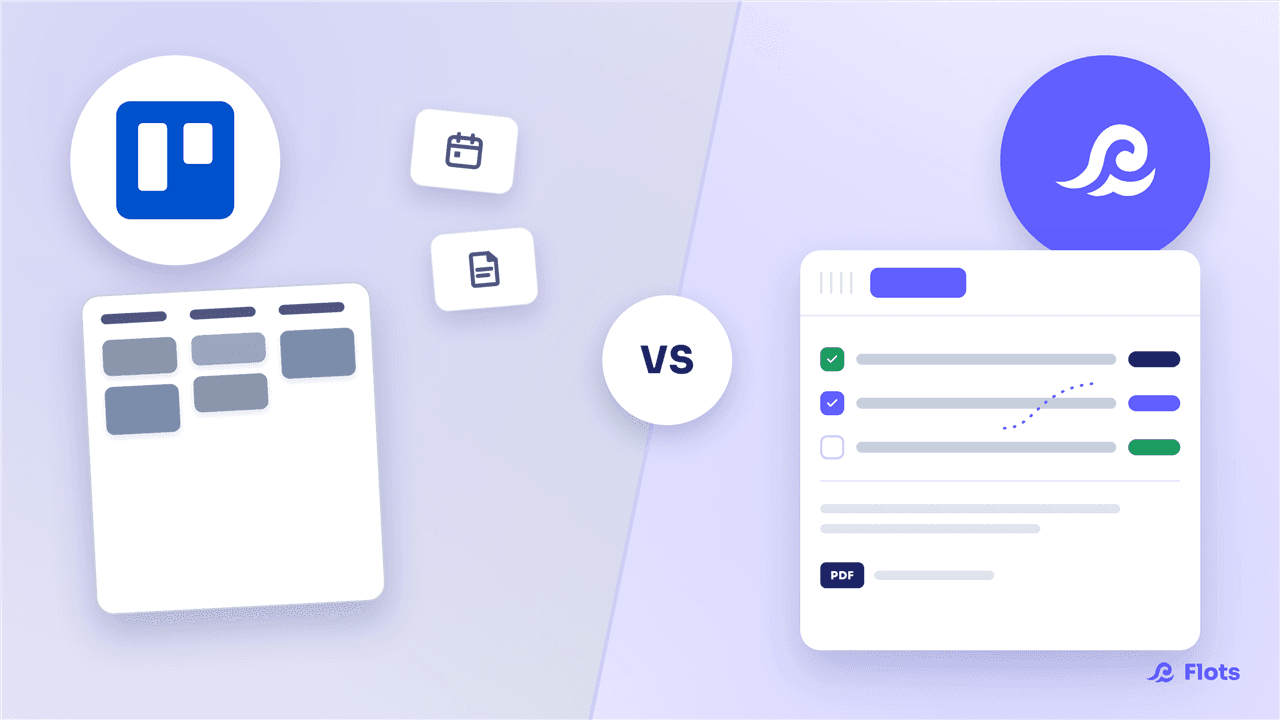
Trello vs Flots: Beyond the Kanban Board
Trello is the benchmark for a simple kanban board, but stops at the cards. Flots brings tasks, calendar, notes and documents together in one connected space.
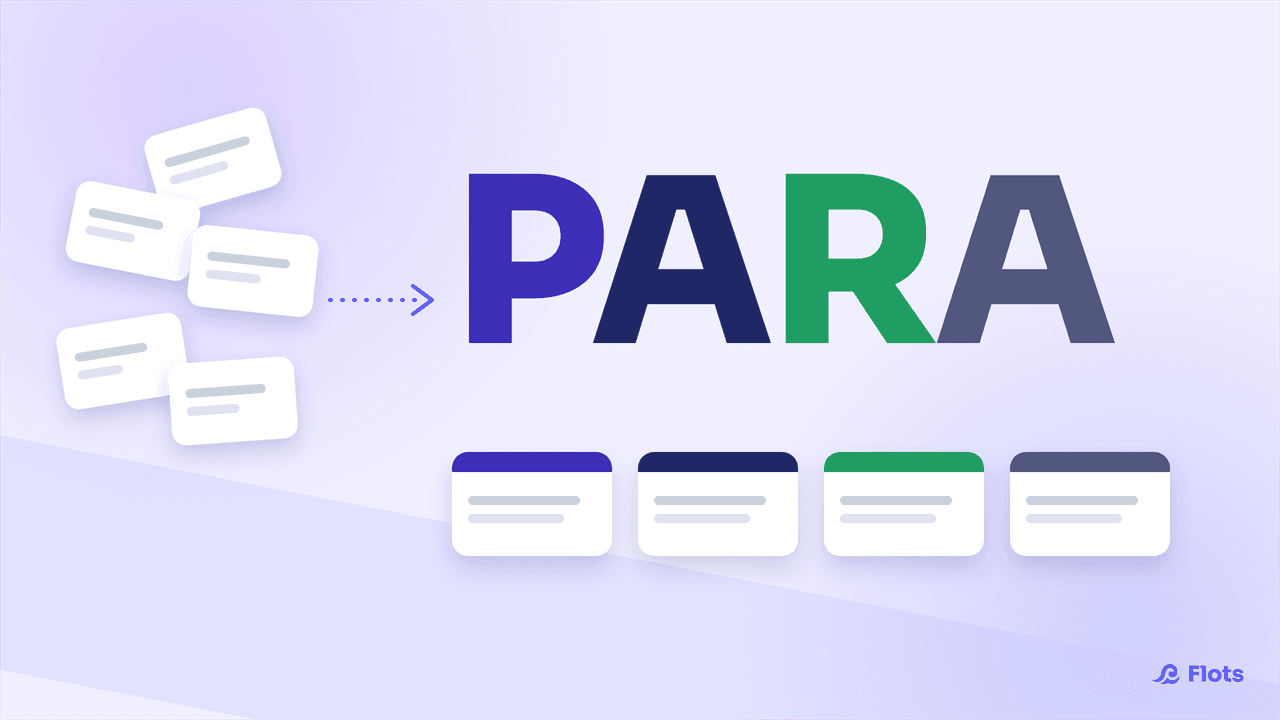
The PARA Method: Organize Your Second Brain
The PARA method sorts everything you own into four categories, not by topic. What actually changes, and what Flots already covers for you.
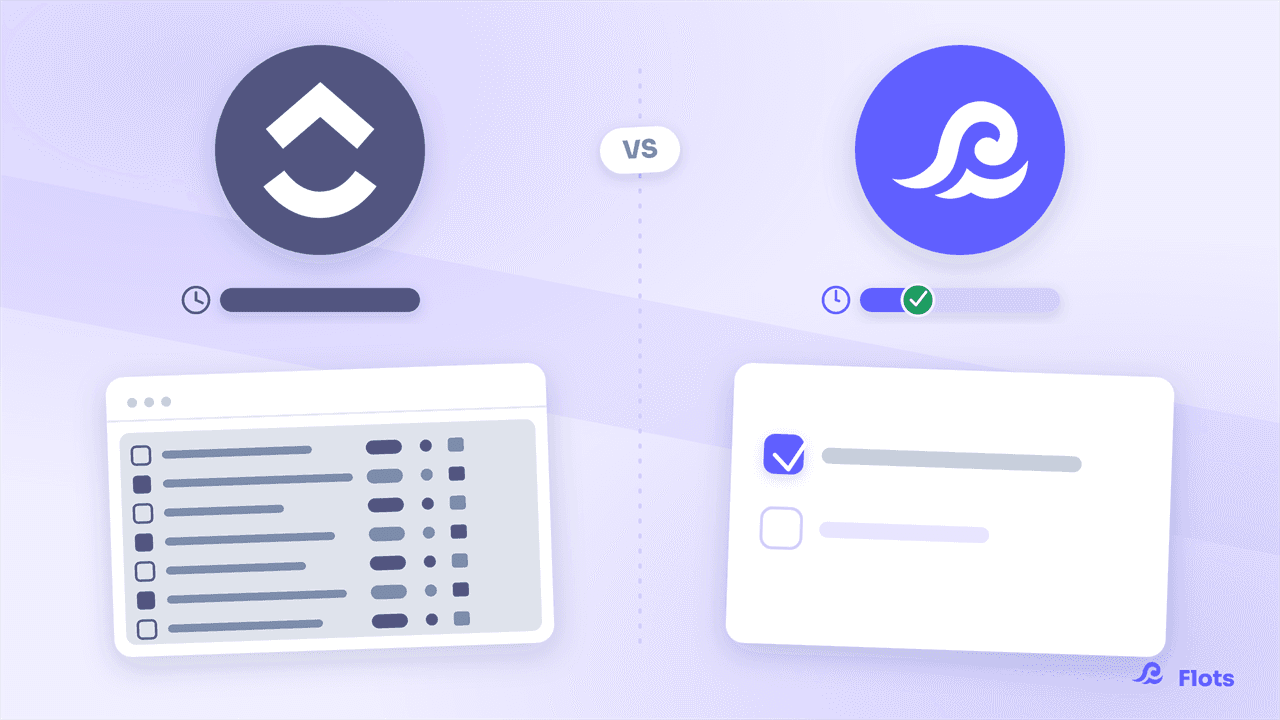
ClickUp vs Flots: simplicity over a Swiss Army knife
ClickUp promises to handle everything, at the cost of weeks of configuration and hundreds of options. Flots is ready to use in minutes, with no setup required.
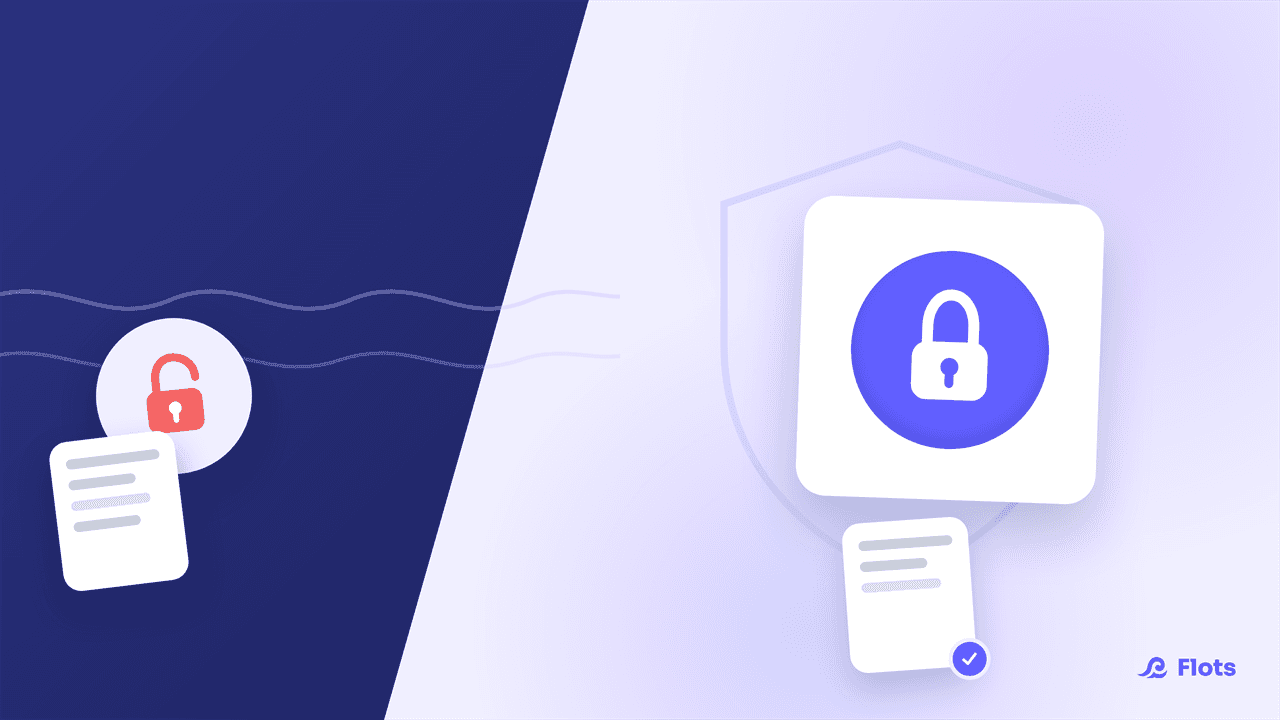
Cloud Act, GDPR: where does your work data actually live?
Cloud Act, GDPR, data transfers outside the EU: what it actually means for a small team storing client documents and sensitive meeting notes.

AI Assistants and Productivity: What Actually Helps?
Between the gadget and the real time saver, which AI assistant habits actually change your day-to-day organization? A grounded look, no hype.
Google Tasks vs Flots: which tool for your team?
Google Tasks is great solo, built into Gmail. But as a team, it lacks assignment, projects and notes: Flots brings it all together in one place.
Notion vs Flots: which tool fits a small business?
Notion promises to do everything, but expects you to build your own system. Flots bets on simplicity: ready in 5 minutes, collaborative, hosted in Europe.
Todoist vs Flots: which tool for tasks and calendar?
Todoist is still the benchmark for managing tasks, but leaves your calendar, notes and documents to separate apps. Flots brings it all together.
Getting Things Done: applying GTD without losing your Sundays
GTD works, but its weak link is the weekly review. Here's how to lighten the upkeep so the method actually holds up over time.
Organizing Your Apprenticeship: Balancing School and Work
One calendar for class, one for work: how apprentices bring both schedules together, split tasks by context and stay ahead of packed weeks with Flots.
Freelance organization: escaping tool sprawl
Invoicing, CRM, calendar, scattered notes: freelancers pile up tools. The hidden cost of context-switching, backed by data, and a way to centralize what matters.
Exam Revision Planning: Build One in an Hour
Start from the exam date and work backward, week by week: the backward-planning method for a realistic revision schedule, built in an hour.
Taking Notes in Class: the Methods That Actually Stick
Cornell, linear notes, sketchnoting: the right method for the right class, and how to structure notes so no revision task slips through.
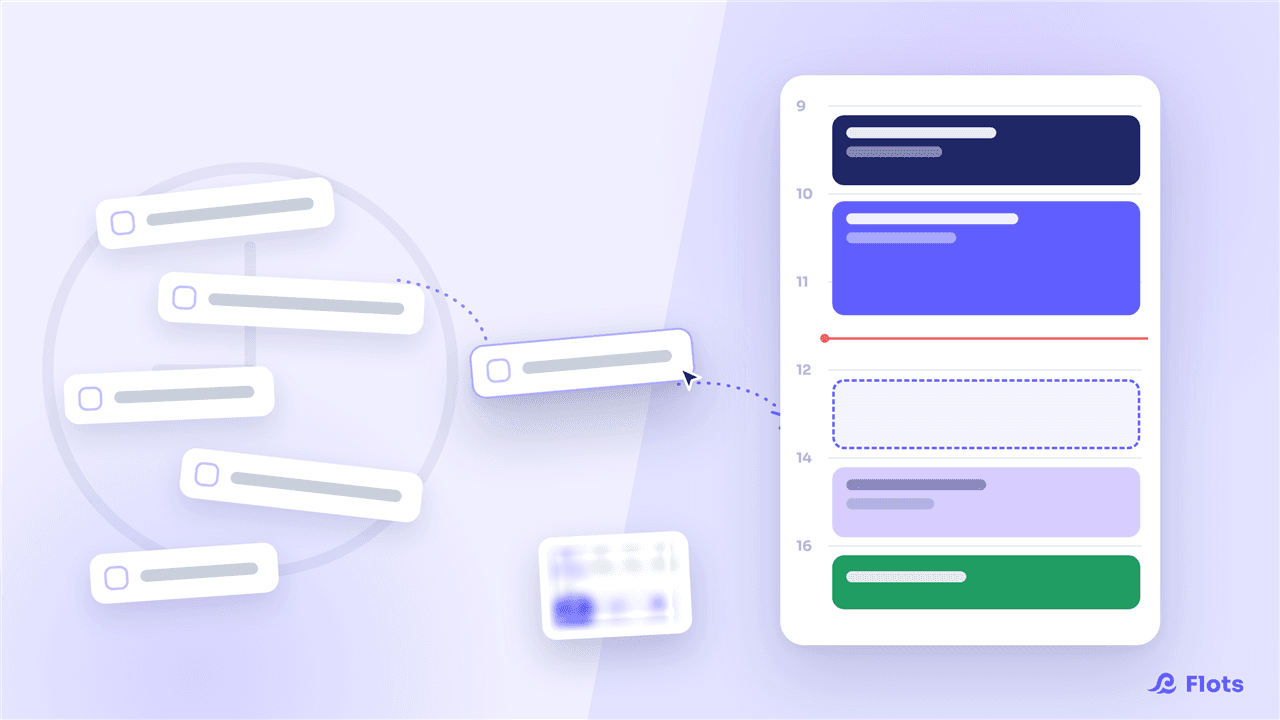
Time Blocking: Planning Your Week Solo
Time blocking means booking dedicated slots in your calendar instead of working off an open list. How to apply it solo, with no one else to referee your time.