Resources
Practical guides, productivity methods and app news.
Guides
Flots onboarding, step-by-step tutorials and demo videos.
Productivity
Organisation methods and best practices for solo or team work.
News
App updates, announcements and team news.
Testimonials
Experience reports from teams and freelancers using Flots.
Latest resources
ADE timetable: sync it into Flots
Subscribe Flots to your ADE timetable's .ics URL: your classes land in your calendar and follow every room and time change on their own.
Miro alternatives: how to choose in 2026
Miro is passing into Bending Spoons' hands. A good moment to review your whiteboard: the criteria that really count, and when a built-in board is enough.
Connect an AI assistant to Flots (MCP)
Add Flots as a custom connector in Claude: the steps to follow, the permissions to choose carefully, and what to do when the connection won't go through.
Microsoft To Do alternative: beyond lists
Microsoft To Do handles simple lists very well. What it doesn't do, the point where that starts to hurt, and how to replace it without breaking things.
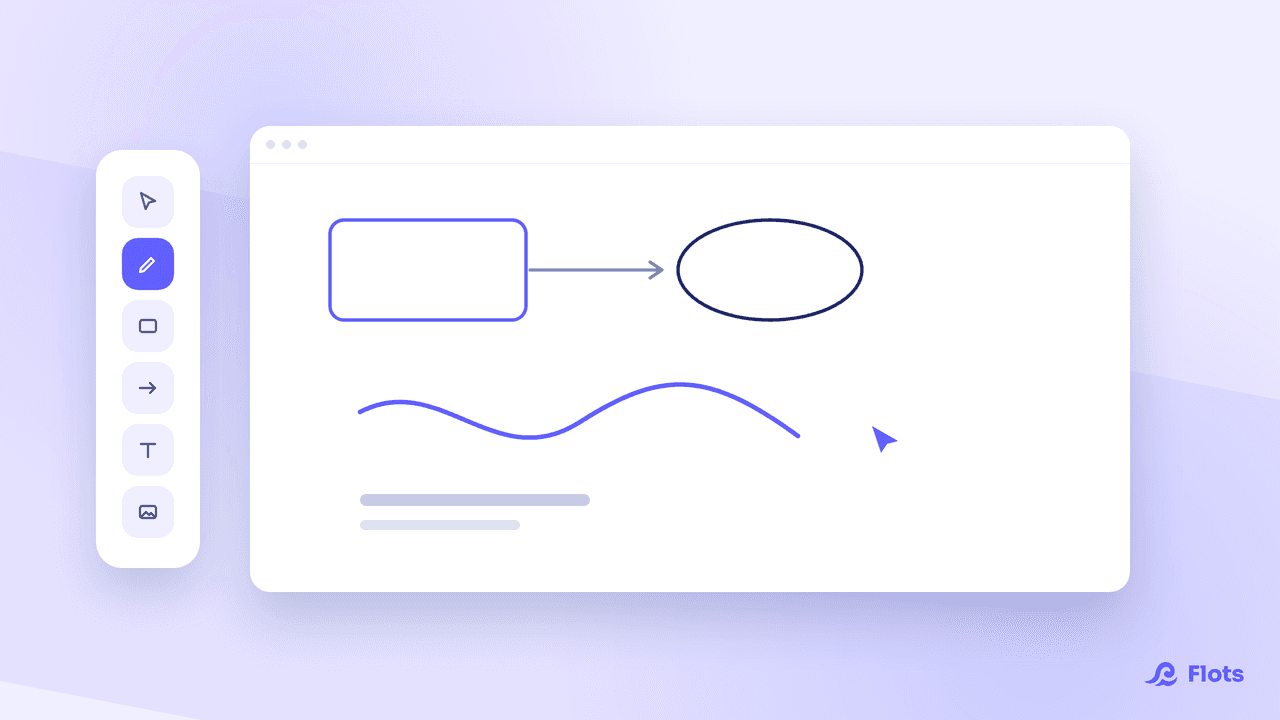
Whiteboards in Flots: a guided tour
Create a board, sketch, connect your ideas, attach it to a project and export it as an image: everything the whiteboards in Flots let you do.
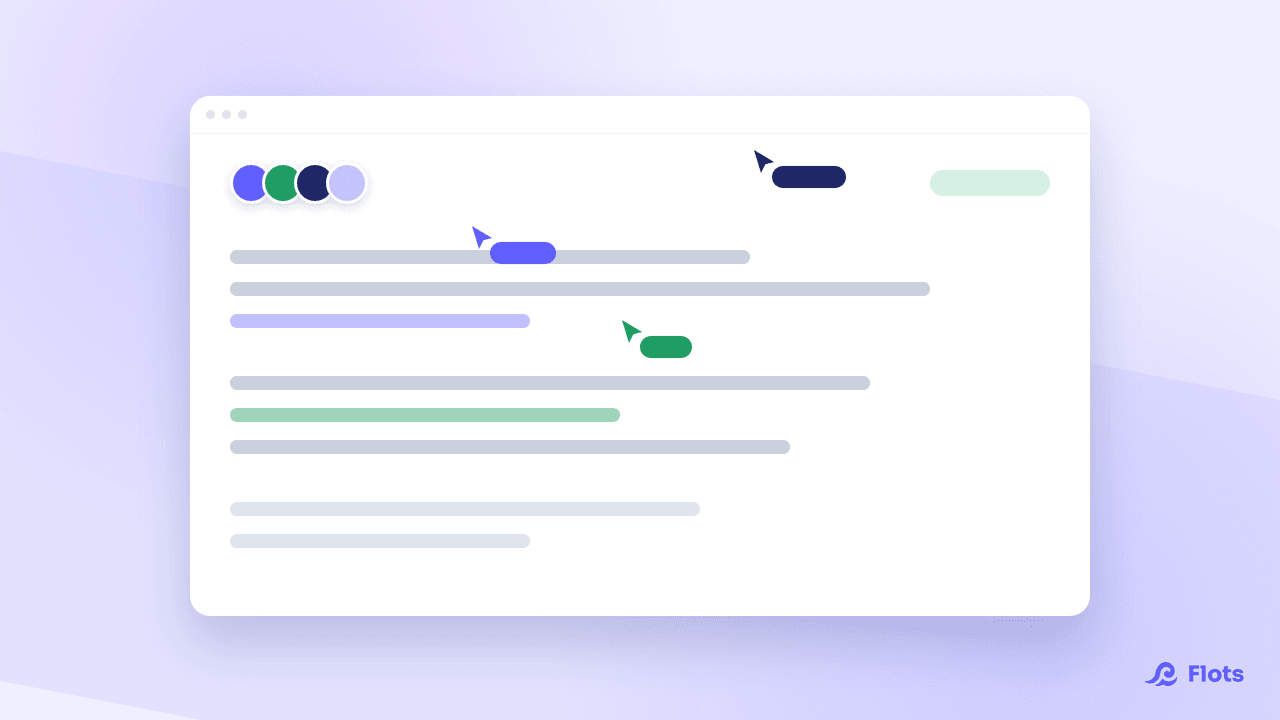
Collaborative notes: write together, live
Two people on the same note no longer overwrite each other. Live editing has landed in Flots, with everyone's presence and the roles inherited from the project.
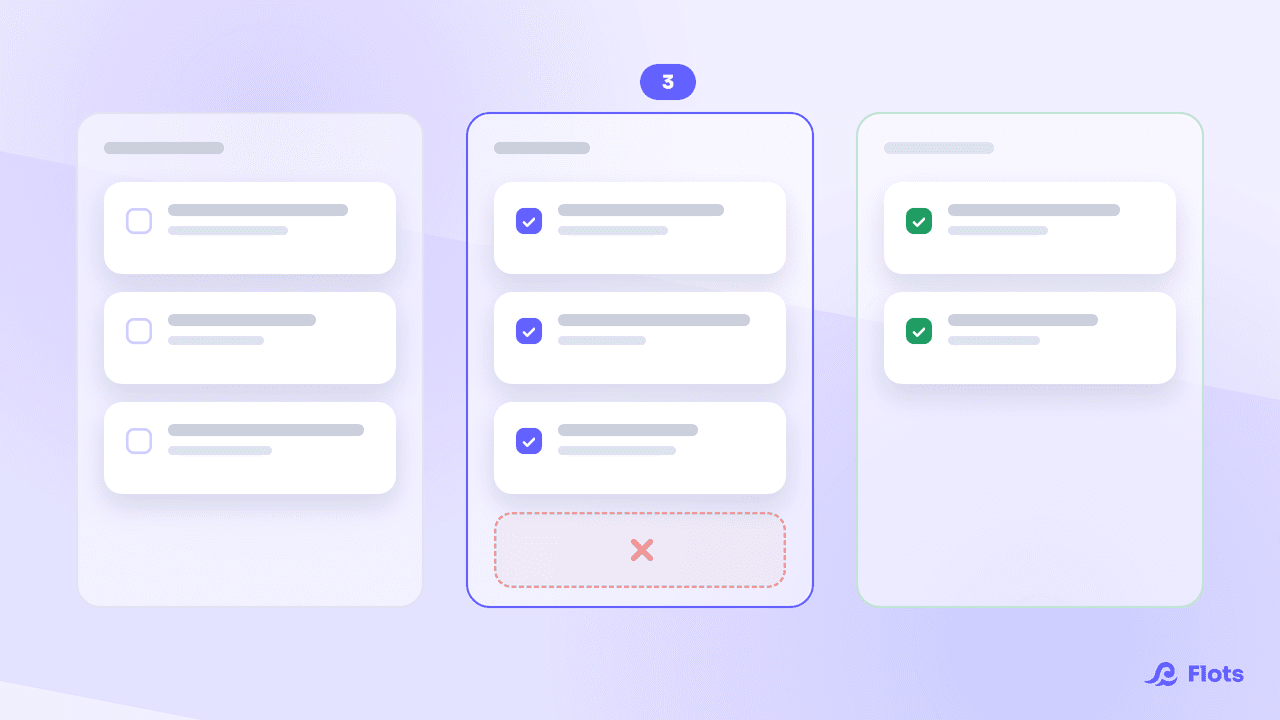
Kanban method: make your work visible
Kanban fits into three columns and one rule: cap what you run at the same time. Where it comes from, what it asks, and how to apply it without a dedicated board.
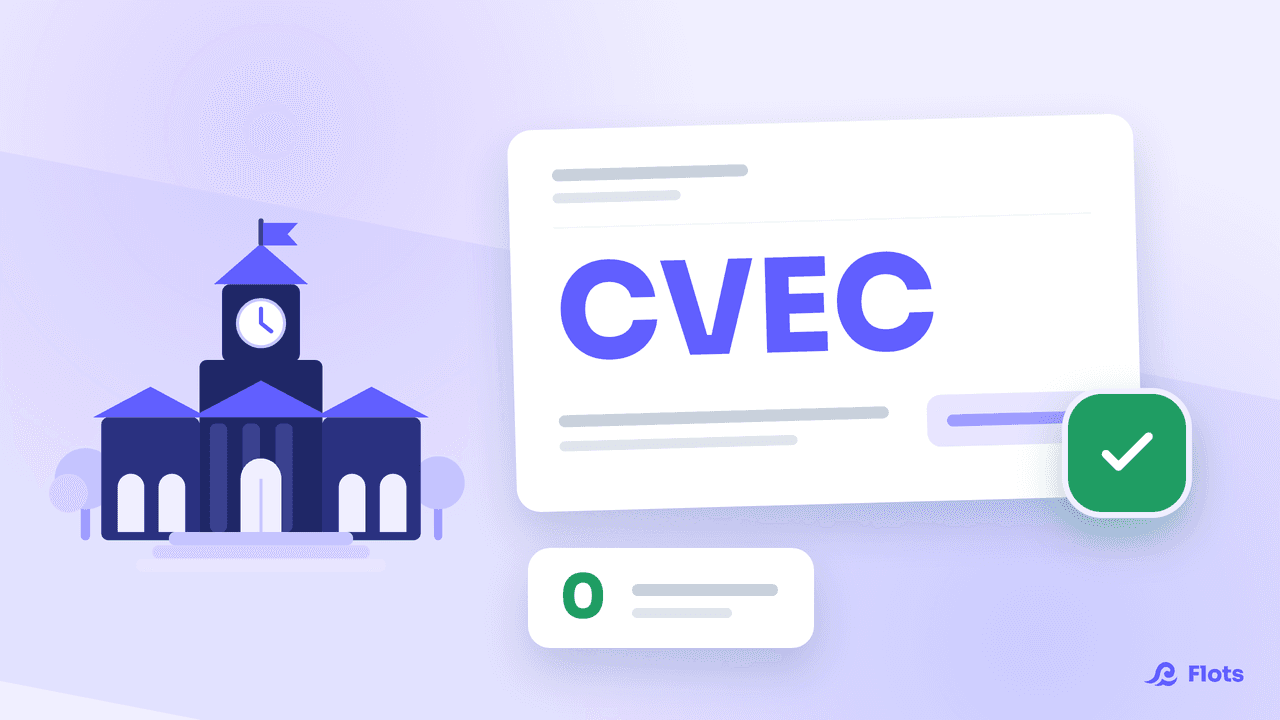
Flots is now free for students in France
Every Flots feature, free of charge for students enrolled in higher education in France. Verification takes a few seconds with your CVEC certificate.
Evernote alternative: past the 50-note cap
Evernote's free plan is capped at 50 notes and a single notebook. What that changes day to day, how to get your notes out, and what to replace it with.
Connect Claude to Flots with the MCP server
Flots now runs an MCP server: Claude and compatible assistants act on your real tasks, projects and notes, with exactly the permissions you grant them.
Deep work: how to actually focus
An interruption costs an average of 23 minutes of recovery time. Deep work means protecting real blocks of focus, and defending them in your calendar.
Whiteboards: draw right inside Flots
Sketches, diagrams, brainstorms: whiteboards are coming to Flots. Filed alongside your documents, attached to a project, and drawn together in real time.
Free organization apps: where the limits sit
Free is rarely a gift: it gets paid in limits, ads or data. The five questions to ask before building your whole organization on top of a free tool.
ADHD apps: how to pick the right one
Visual timers, illustrated planners, lists, all-in-one tools: ADHD app families don't solve the same problem. The grid to decide with, and a one-week test.
Family organization: one app the house follows
Appointments, shopping, paperwork, activities: running a household usually rests on one person's head. How to make it visible and genuinely share it.
Recurring tasks: stop retyping them every month
Invoicing, follow-ups, backups: what comes back every week has no business being memorized. How to automate your routines without being ruled by them.
Working from home: the organization guide
Two days a week for most French remote workers. How to structure those days without recreating the office or losing your footing in between.
Productivity methods: which one should you pick?
GTD, PARA, Pomodoro, Eisenhower, time blocking: each one solves a different problem. How to name the problem you actually have, and choose accordingly.
Note-taking apps: how to actually choose
Stylus, keyboard, voice: the medium matters less than you'd think. What the research says, and how to pick a note-taking app you'll actually reopen.
Best organization apps in 2026
Todoist, Notion, Trello, ClickUp, Google Tasks, Flots: what each organization app does well, where it stops, and how to pick the right one for you.
ADHD apps for adults: what actually helps
When working memory is saturated, organization has to move out of your head. What genuinely matters in an app when you're an adult with ADHD.
Mental load: what actually makes it lighter
Mental load comes less from what you do than from what you keep in your head. What research says actually relieves it, and the tools that genuinely help.
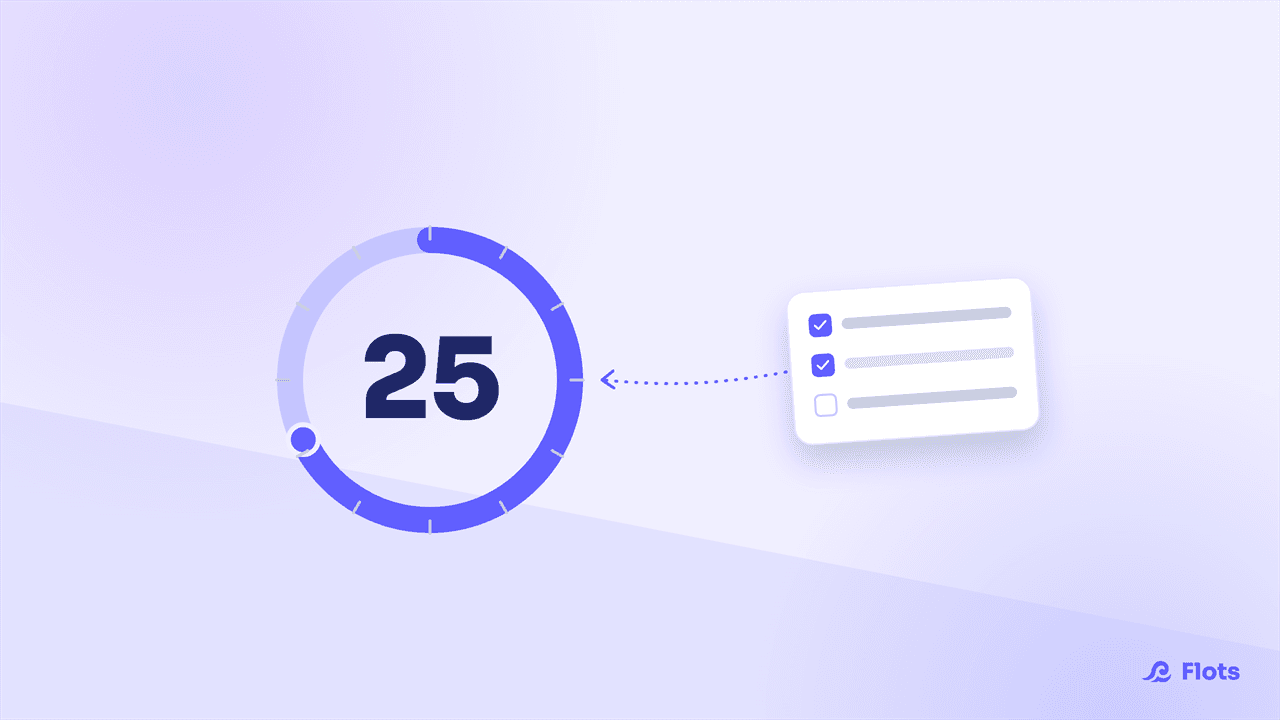
The Pomodoro Technique: Focus Sessions That Hold Up All Day
25 minutes of focus, 5 of a break: Francesco Cirillo's Pomodoro Technique, sourced, and how to fit it onto your calendar with Flots.
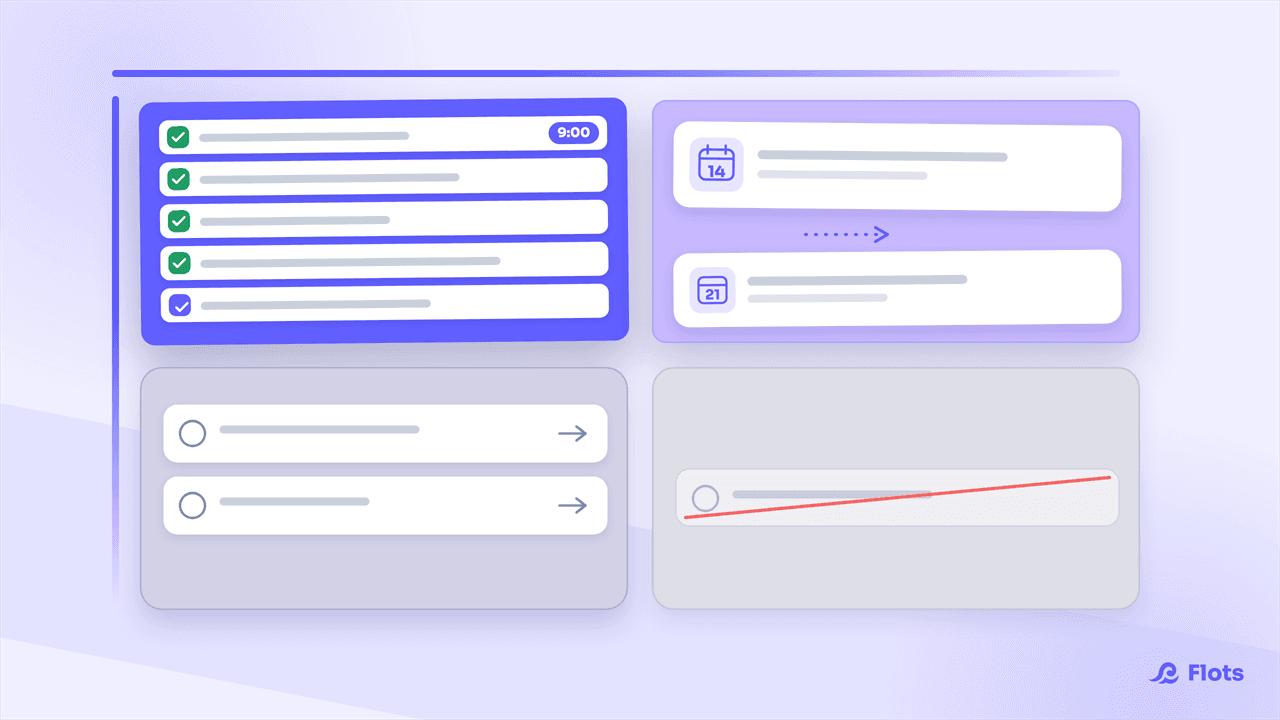
Eisenhower Matrix: Prioritize Your Tasks
Everything feels urgent until you actually sort it. The Eisenhower Matrix sorts your tasks into 4 quadrants so you can prioritize for real, fast.
How to Stop Procrastinating: What Actually Works
Procrastination is an emotional avoidance reflex, not a lack of willpower. The real mechanism, backed by research, plus practical levers that work.
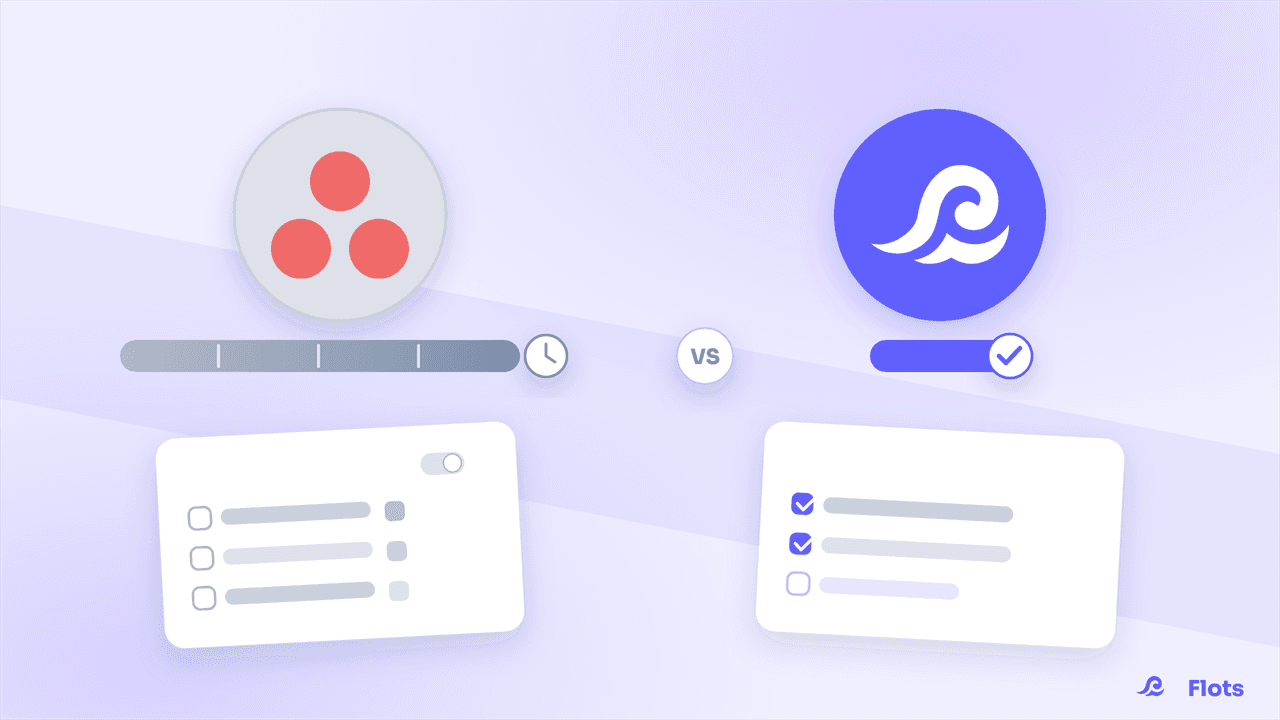
Asana vs Flots: which tool fits a small team?
Asana excels at complex workflows, but demands setup time and training. Flots keeps it simple: ready in minutes, no dedicated admin required.
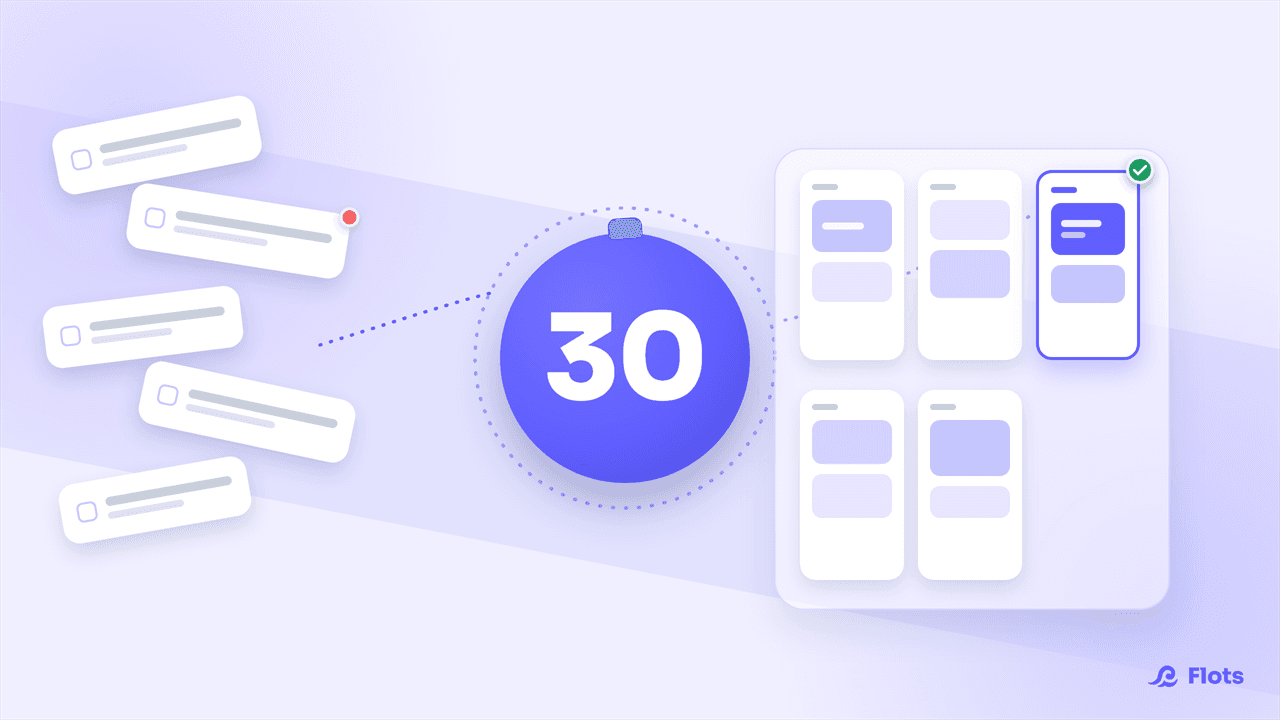
Weekly Review: The 30-Minute Ritual
Clear your lists, reschedule what slipped, and look ahead to next week: the weekly review fits in 30 minutes, step by step.
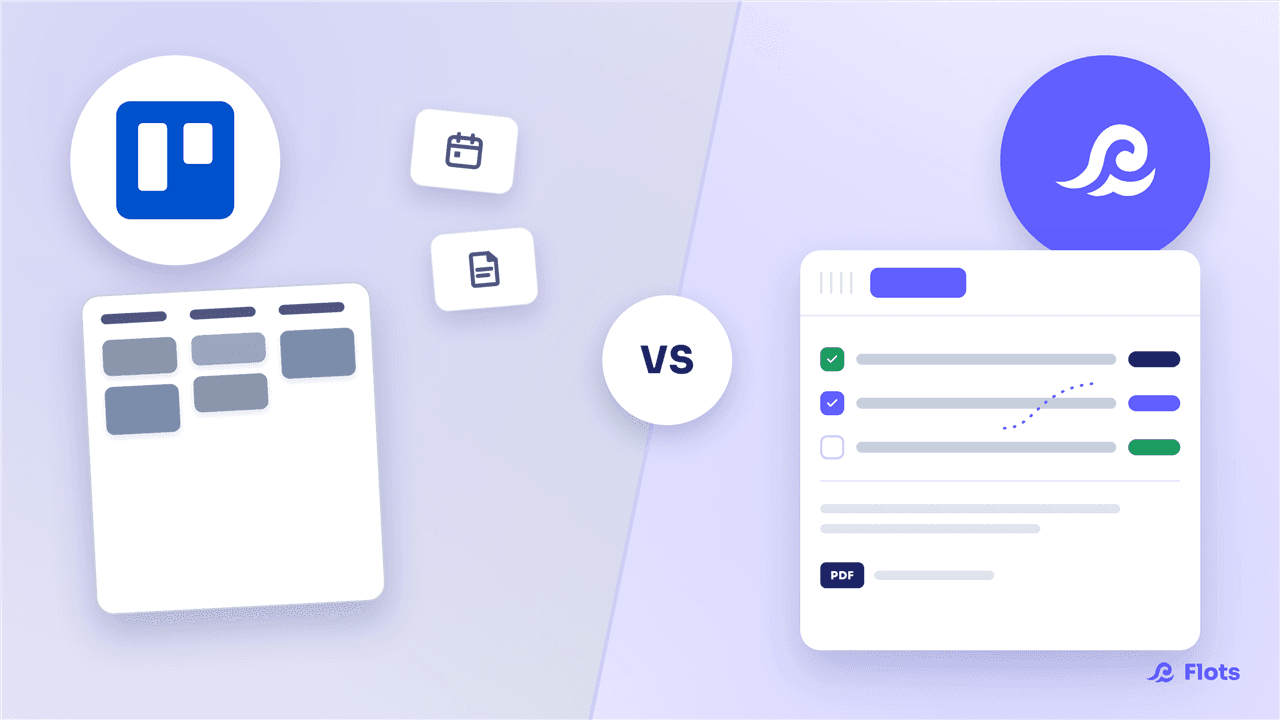
Trello vs Flots: Beyond the Kanban Board
Trello is the benchmark for a simple kanban board, but stops at the cards. Flots brings tasks, calendar, notes and documents together in one connected space.
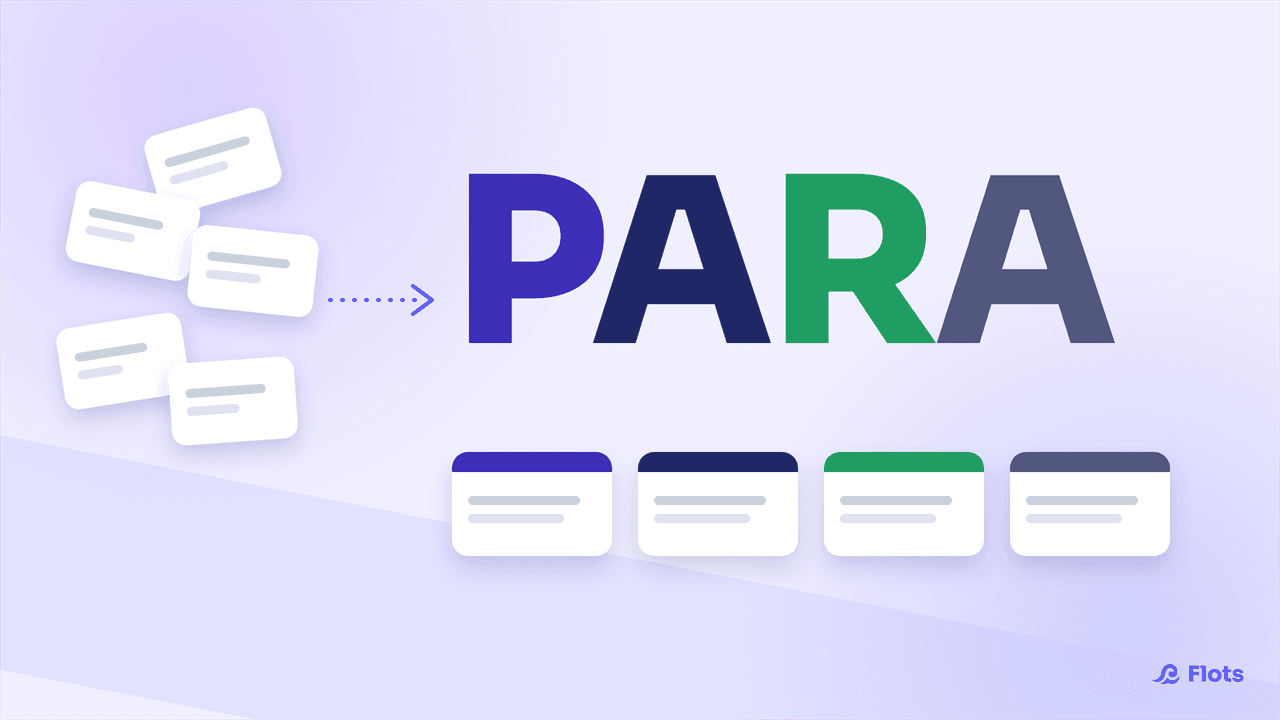
The PARA Method: Organize Your Second Brain
The PARA method sorts everything you own into four categories, not by topic. What actually changes, and what Flots already covers for you.
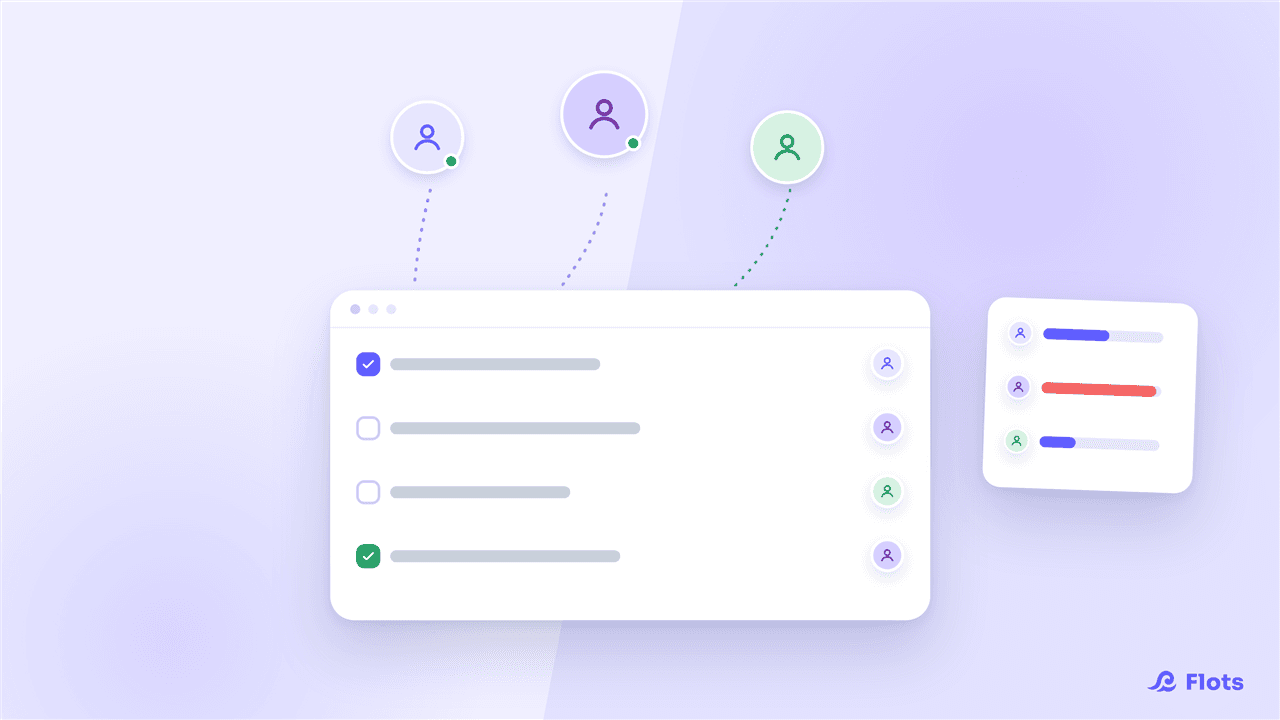
Organizing a growing small team with Flots
Managing your own list stops being enough once you hire. A project per client, tasks assigned, the whole team's workload visible: the Flots guide for founders.
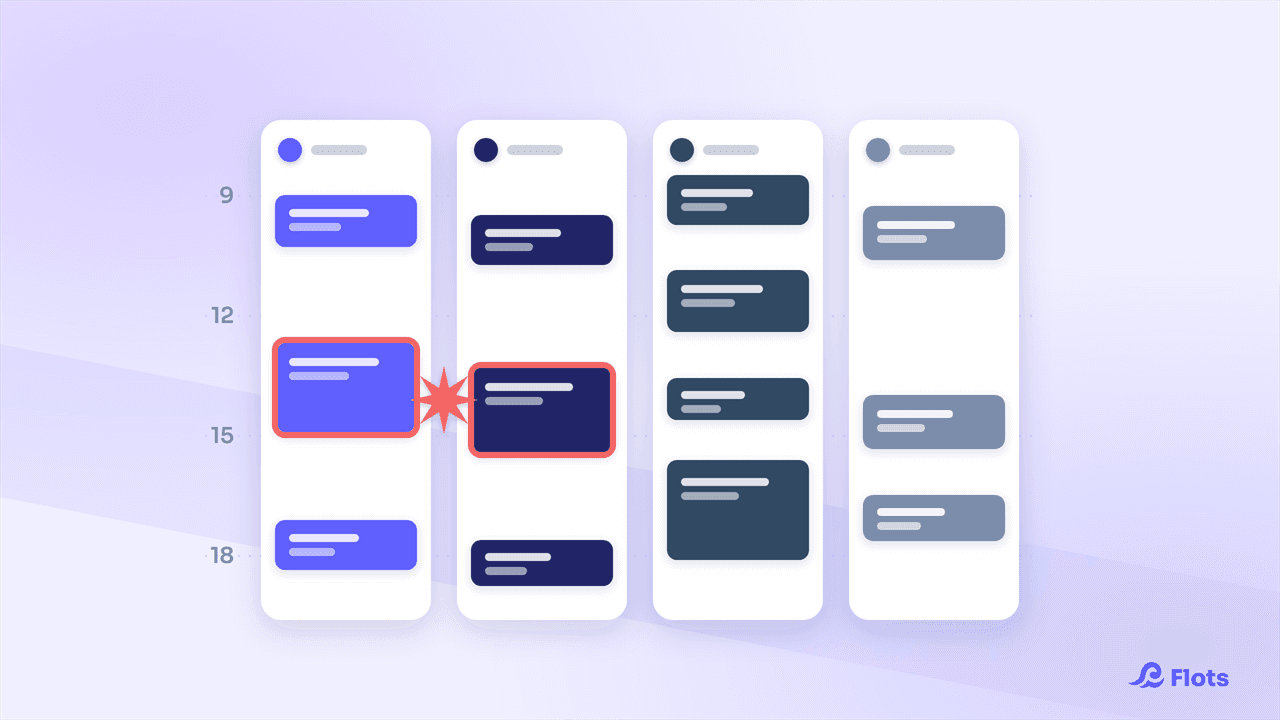
Team Calendar: Stay Aligned Without Losing Autonomy
See your team's workload without merging calendars: assigned tasks, the weekly Planning view, and everyone's own agenda, kept intact.
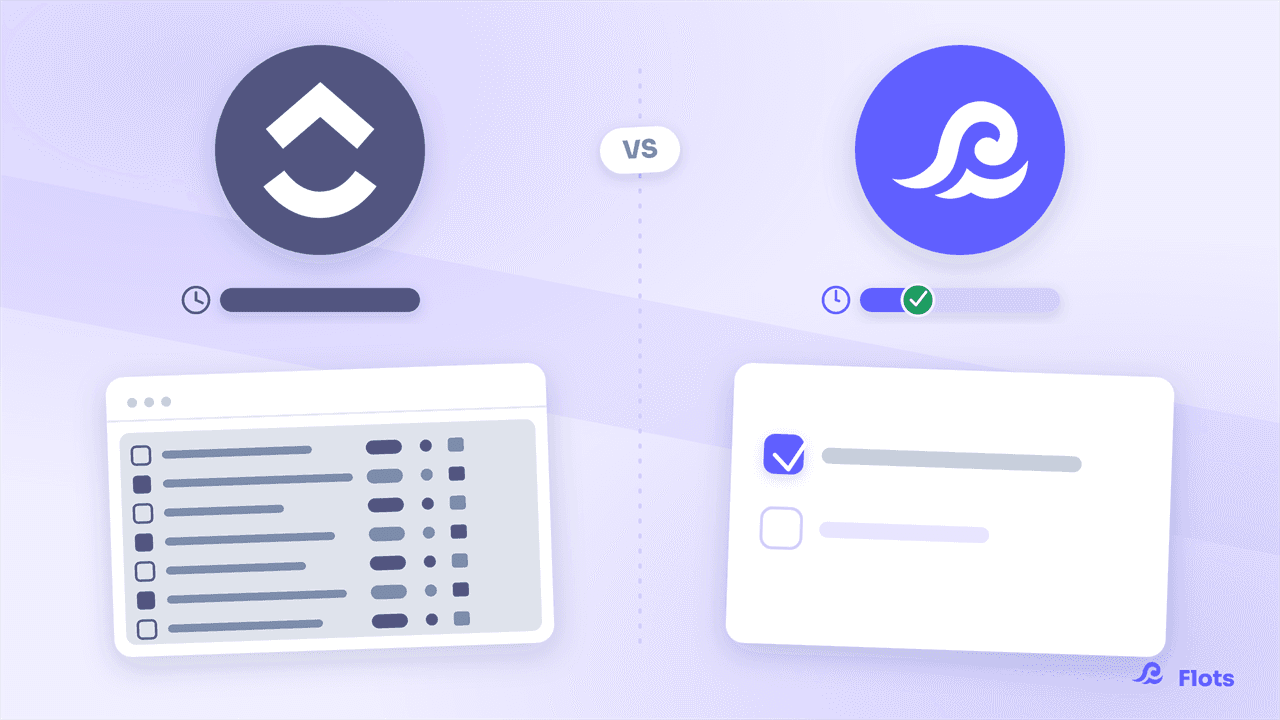
ClickUp vs Flots: simplicity over a Swiss Army knife
ClickUp promises to handle everything, at the cost of weeks of configuration and hundreds of options. Flots is ready to use in minutes, with no setup required.
Cloud Act, GDPR: where does your work data actually live?
Cloud Act, GDPR, data transfers outside the EU: what it actually means for a small team storing client documents and sensitive meeting notes.

AI Assistants and Productivity: What Actually Helps?
Between the gadget and the real time saver, which AI assistant habits actually change your day-to-day organization? A grounded look, no hype.
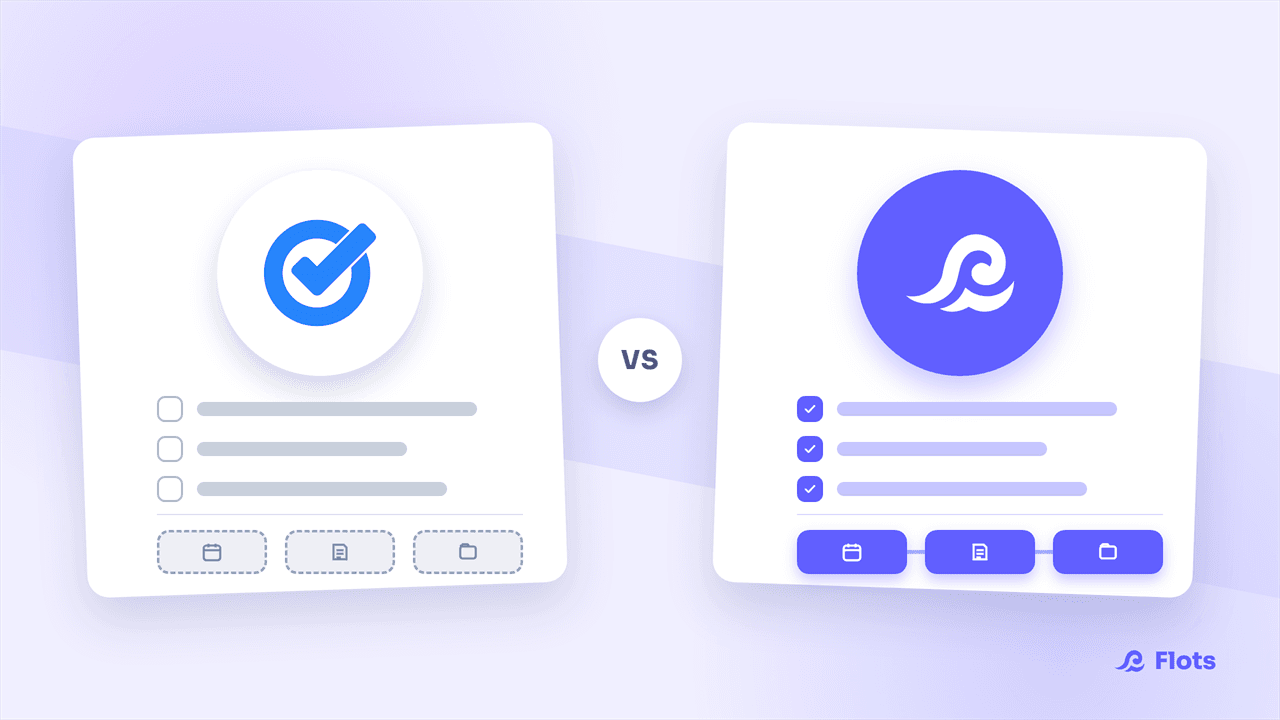
Google Tasks vs Flots: which tool for your team?
Google Tasks is great solo, built into Gmail. But as a team, it lacks assignment, projects and notes: Flots brings it all together in one place.
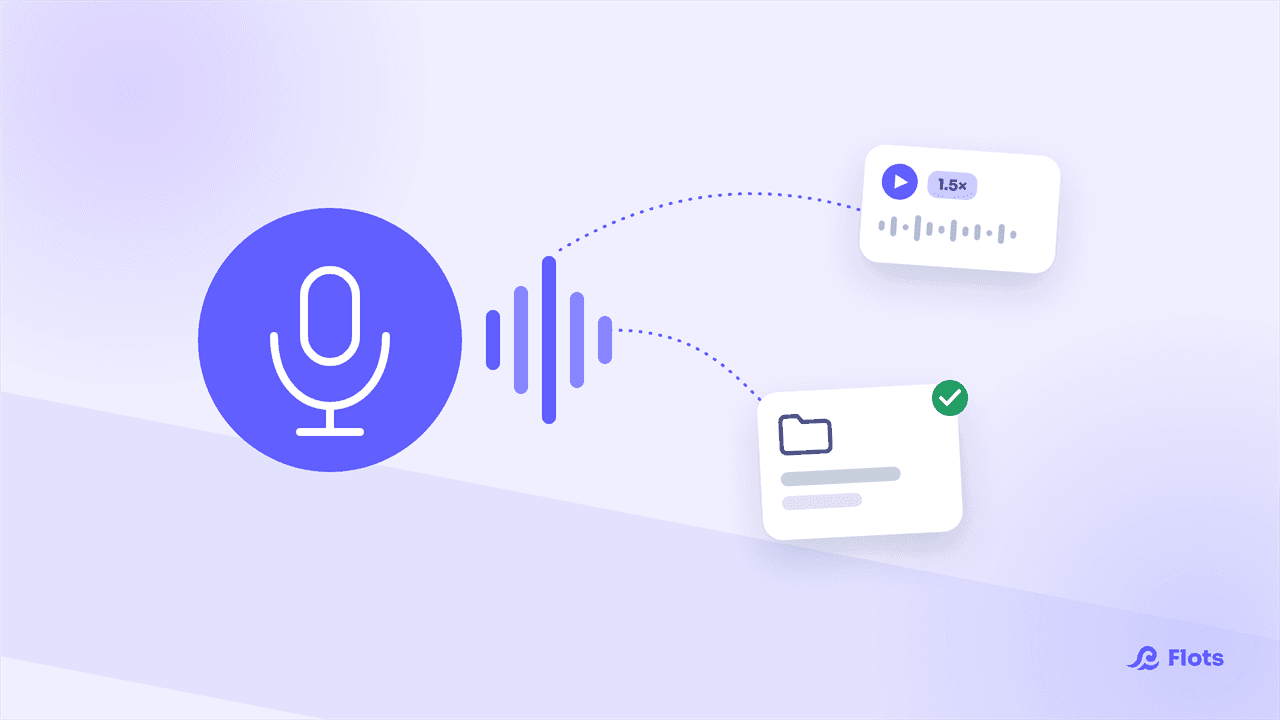
Voice notes: record an audio memo in Flots
Flots launches voice notes: record an audio memo on iPhone or Android, filed into your projects, playable anywhere, wherever you are.
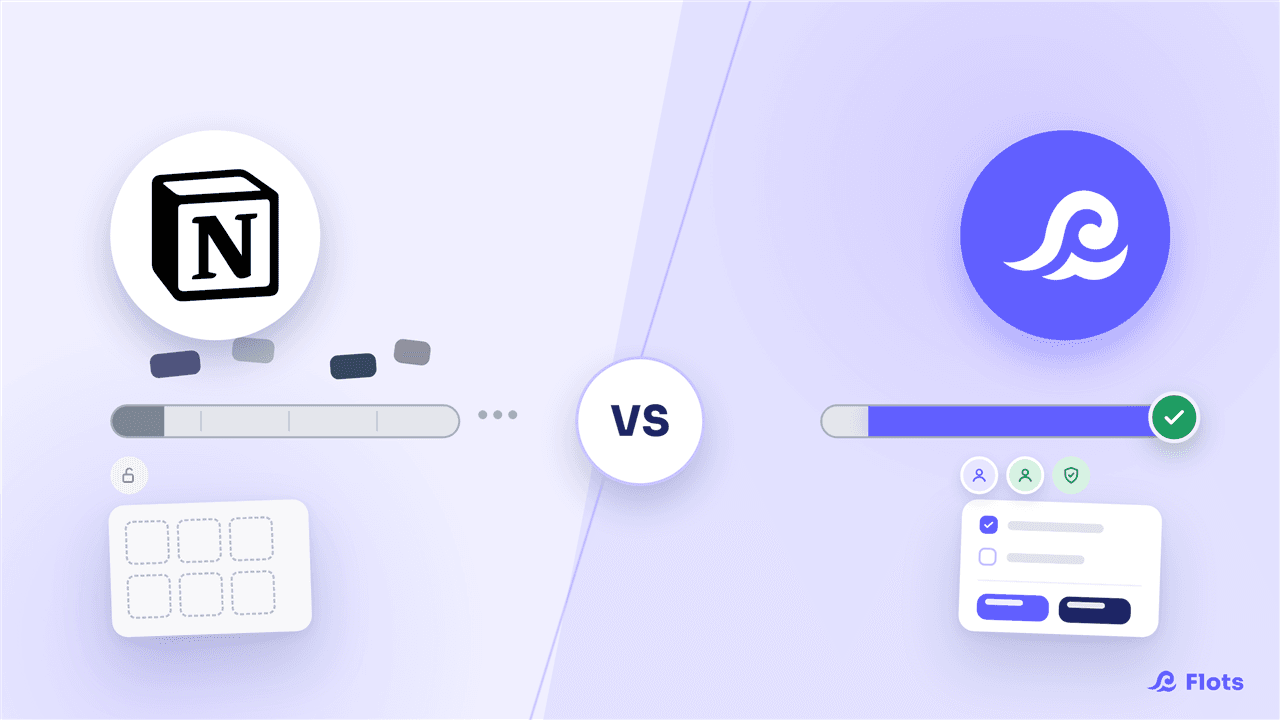
Notion vs Flots: which tool fits a small business?
Notion promises to do everything, but expects you to build your own system. Flots bets on simplicity: ready in 5 minutes, collaborative, hosted in Europe.
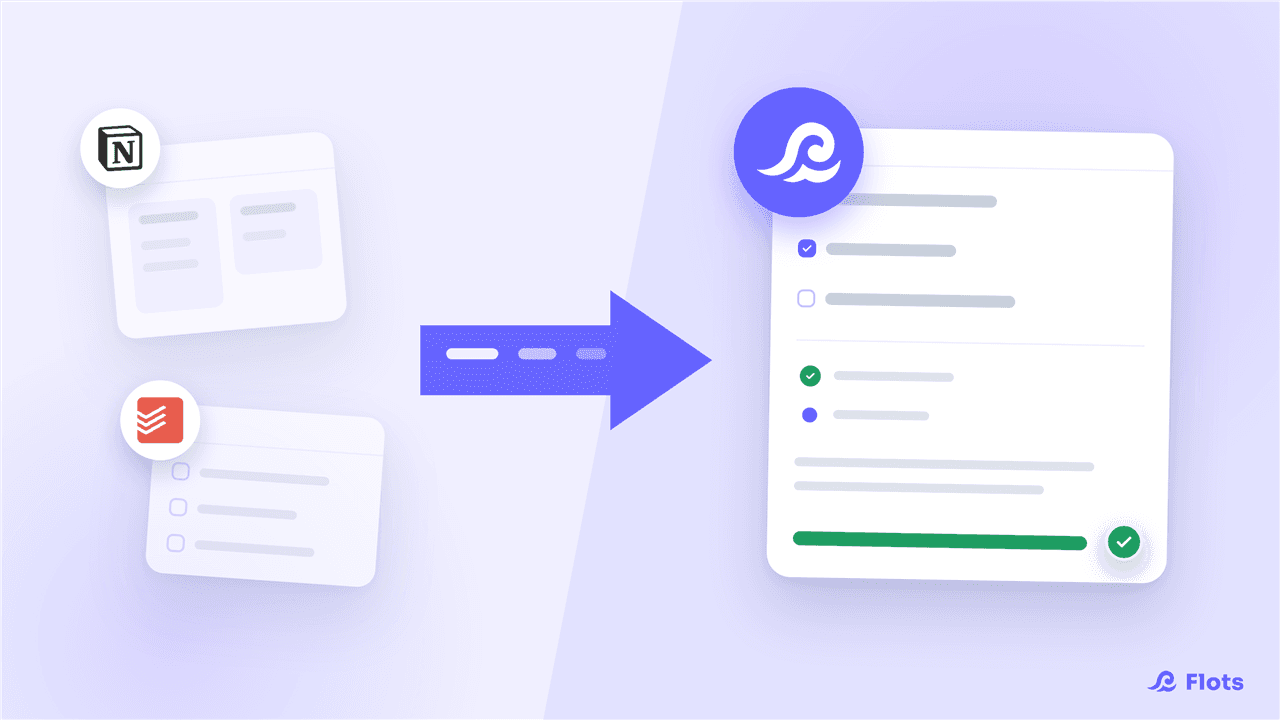
Moving from Notion or Todoist to Flots: the migration guide
Notion to rebuild, Todoist with no calendar or notes: connect your account and Flots automatically pulls in your projects, tasks and notes, no export needed.
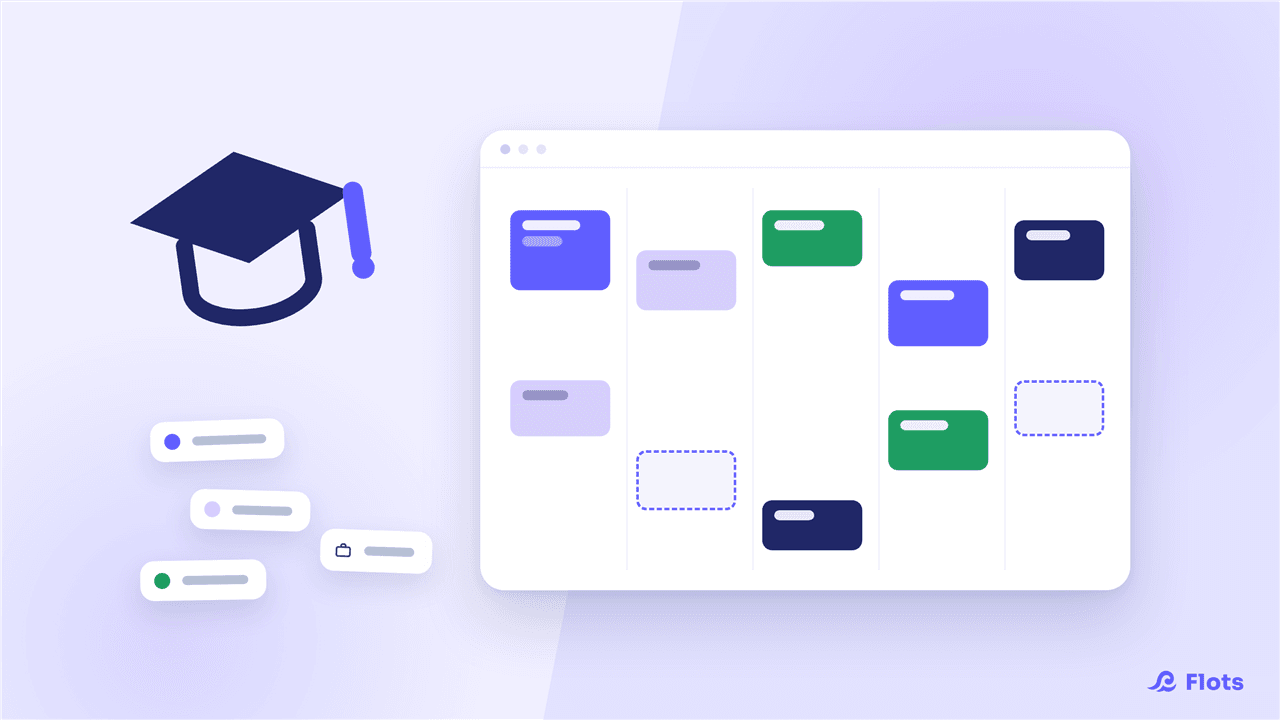
Organizing your studies with Flots: classes, homework, exams
Classes, homework, exam prep, and a part-time job on the side: see how a student organizes an entire semester with Flots, subject by subject.
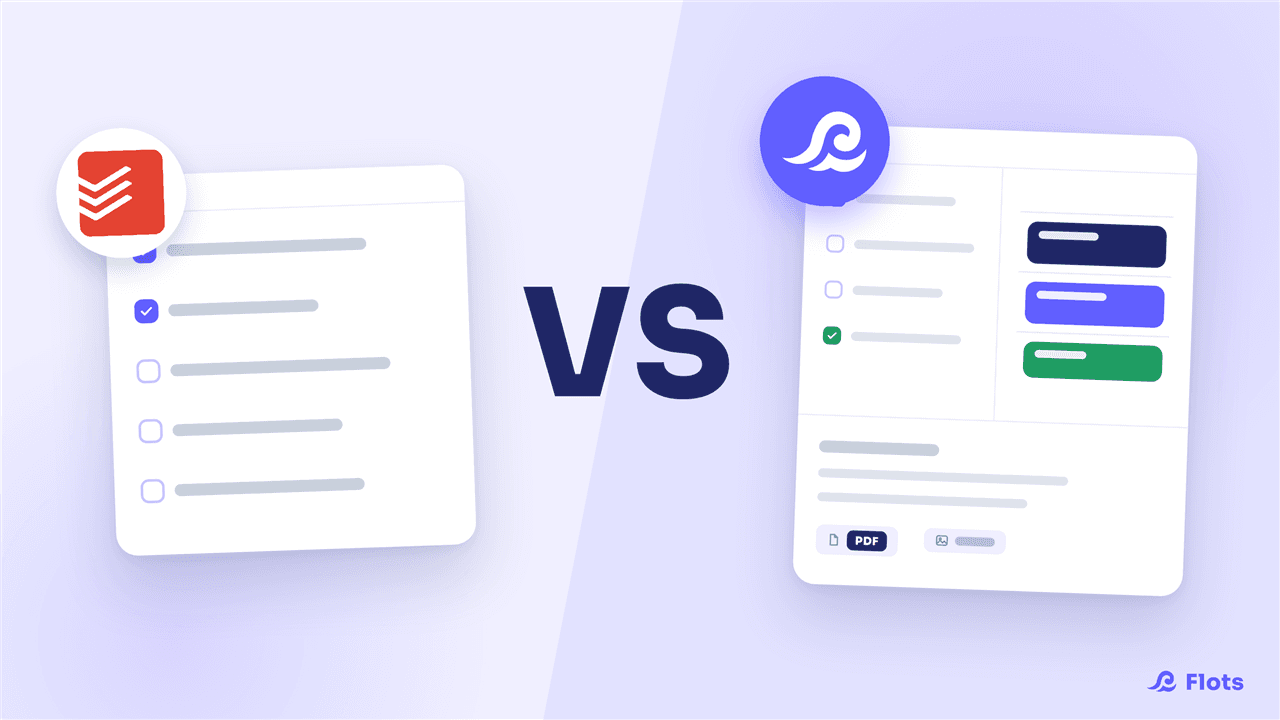
Todoist vs Flots: which tool for tasks and calendar?
Todoist is still the benchmark for managing tasks, but leaves your calendar, notes and documents to separate apps. Flots brings it all together.
Getting Things Done: applying GTD without losing your Sundays
GTD works, but its weak link is the weekly review. Here's how to lighten the upkeep so the method actually holds up over time.
Organizing Your Apprenticeship: Balancing School and Work
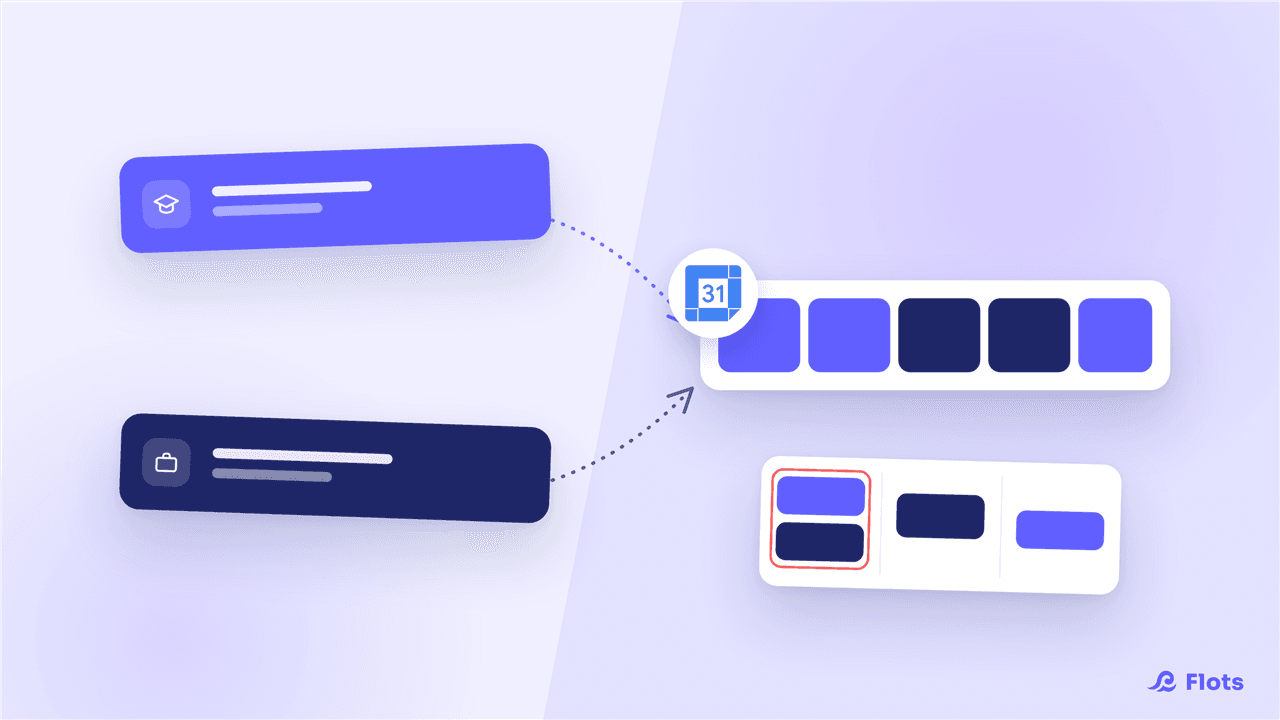
One calendar for class, one for work: how apprentices bring both schedules together, split tasks by context and stay ahead of packed weeks with Flots.
Freelance organization: escaping tool sprawl
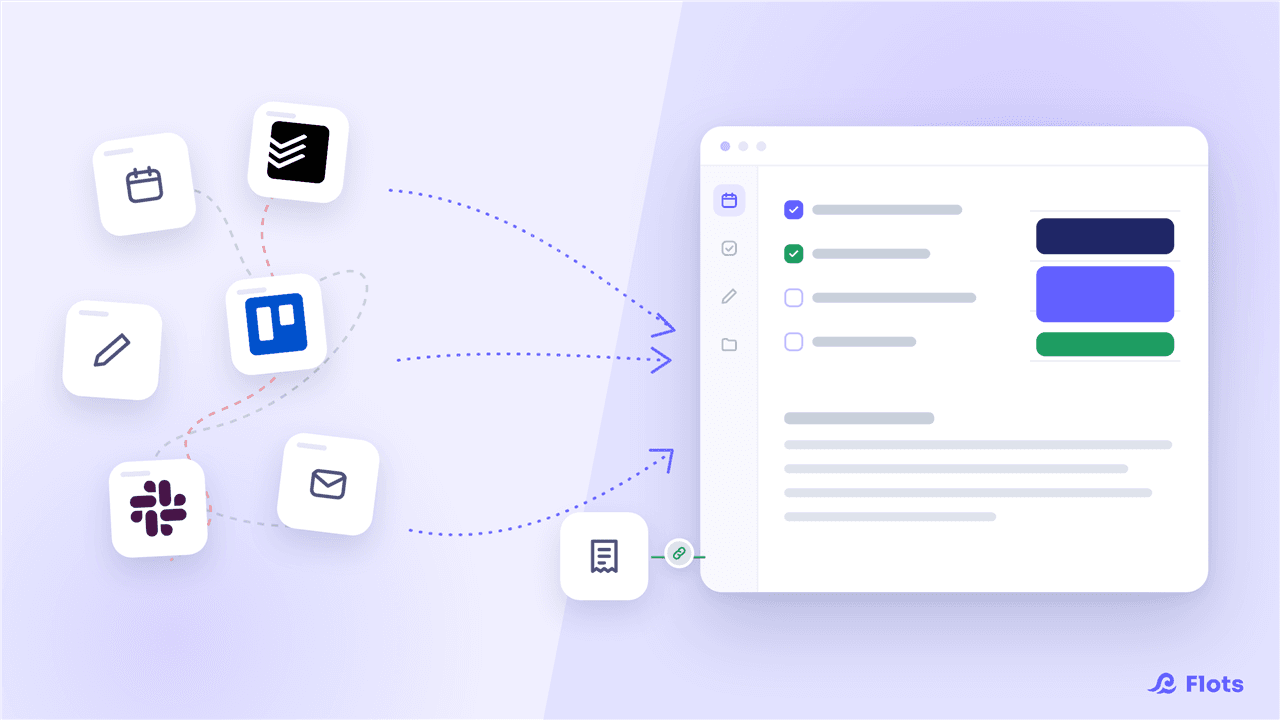
Invoicing, CRM, calendar, scattered notes: freelancers pile up tools. The hidden cost of context-switching, backed by data, and a way to centralize what matters.
Exam Revision Planning: Build One in an Hour
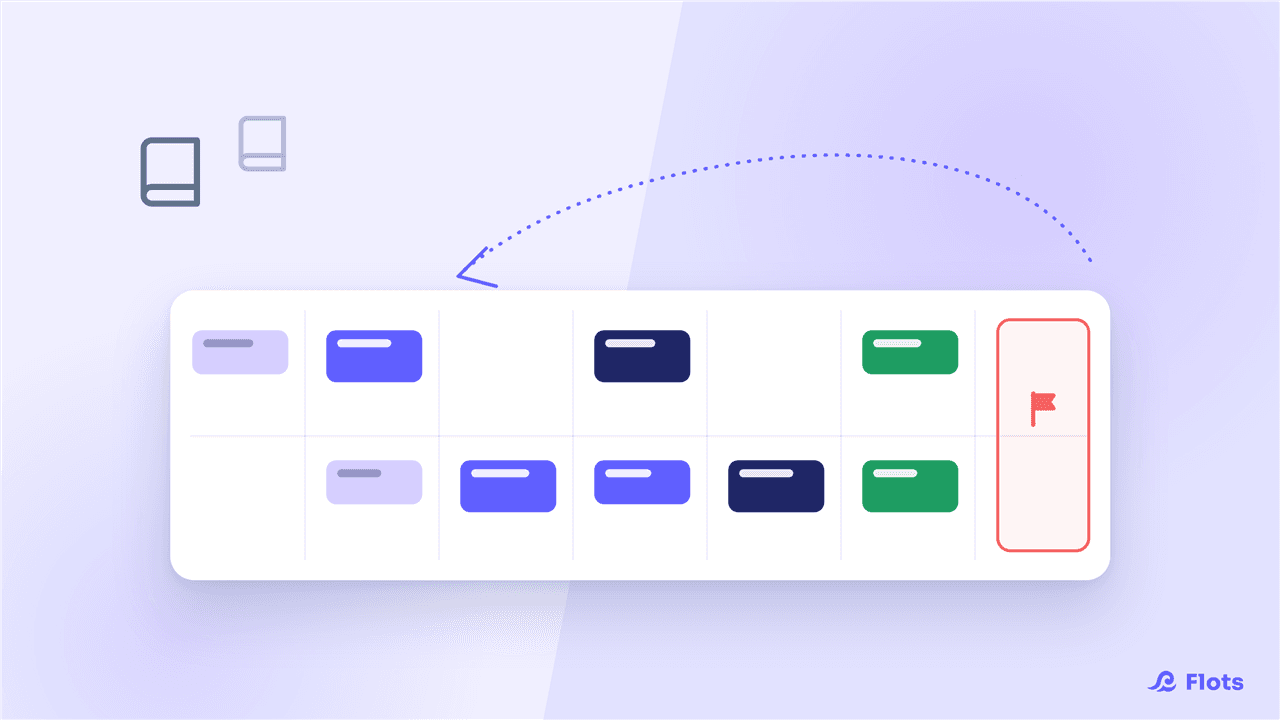
Start from the exam date and work backward, week by week: the backward-planning method for a realistic revision schedule, built in an hour.
Taking Notes in Class: the Methods That Actually Stick
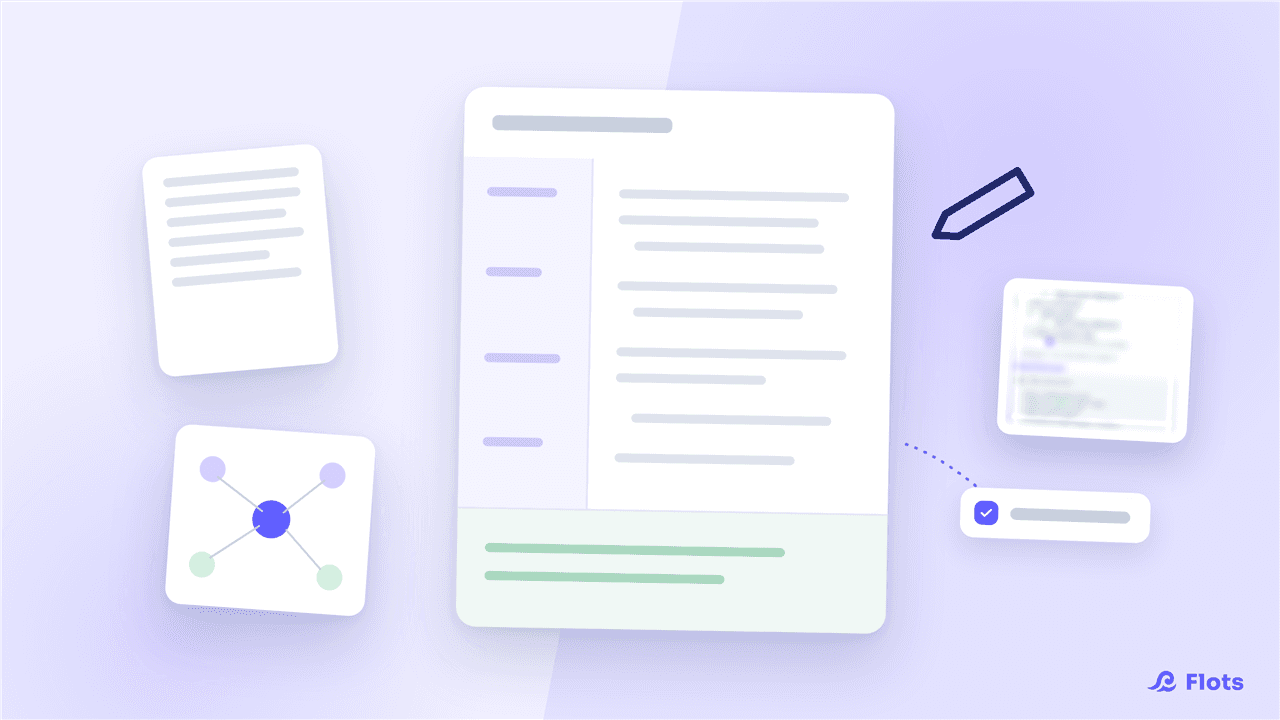
Cornell, linear notes, sketchnoting: the right method for the right class, and how to structure notes so no revision task slips through.
Time Blocking: Planning Your Week Solo
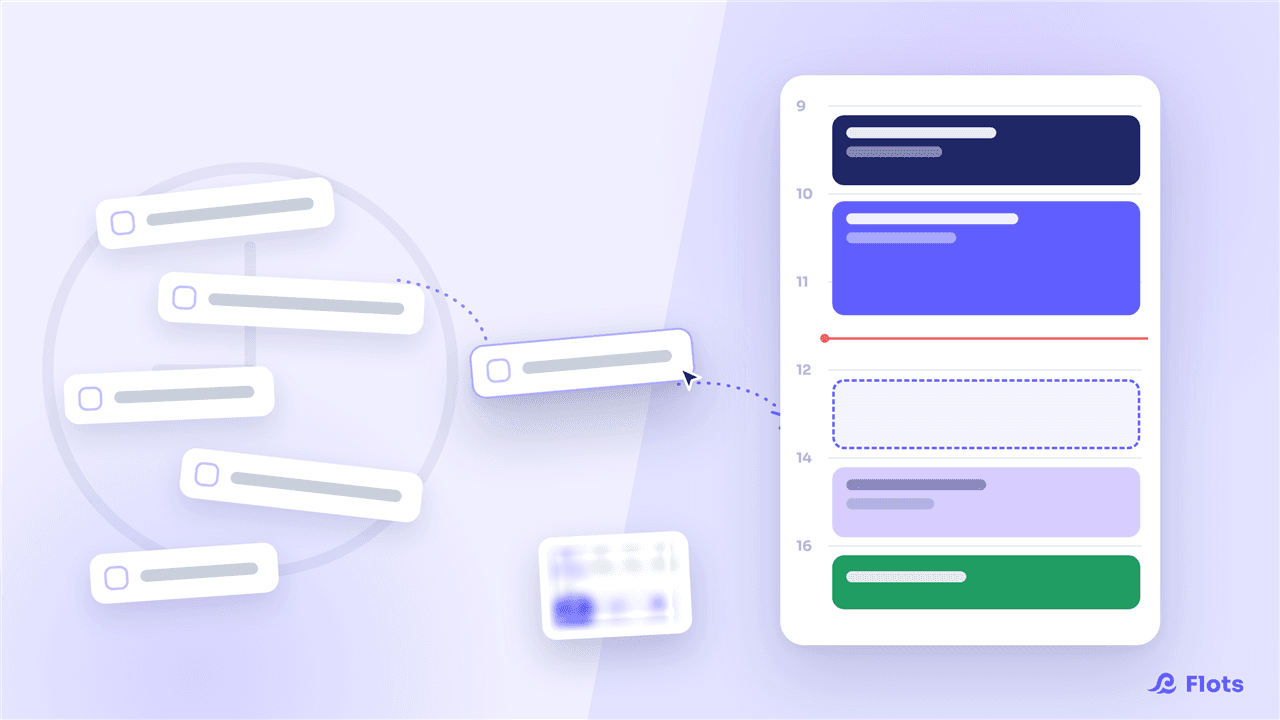
Time blocking means booking dedicated slots in your calendar instead of working off an open list. How to apply it solo, with no one else to referee your time.
Documents: store your PDF files and photos in Flots
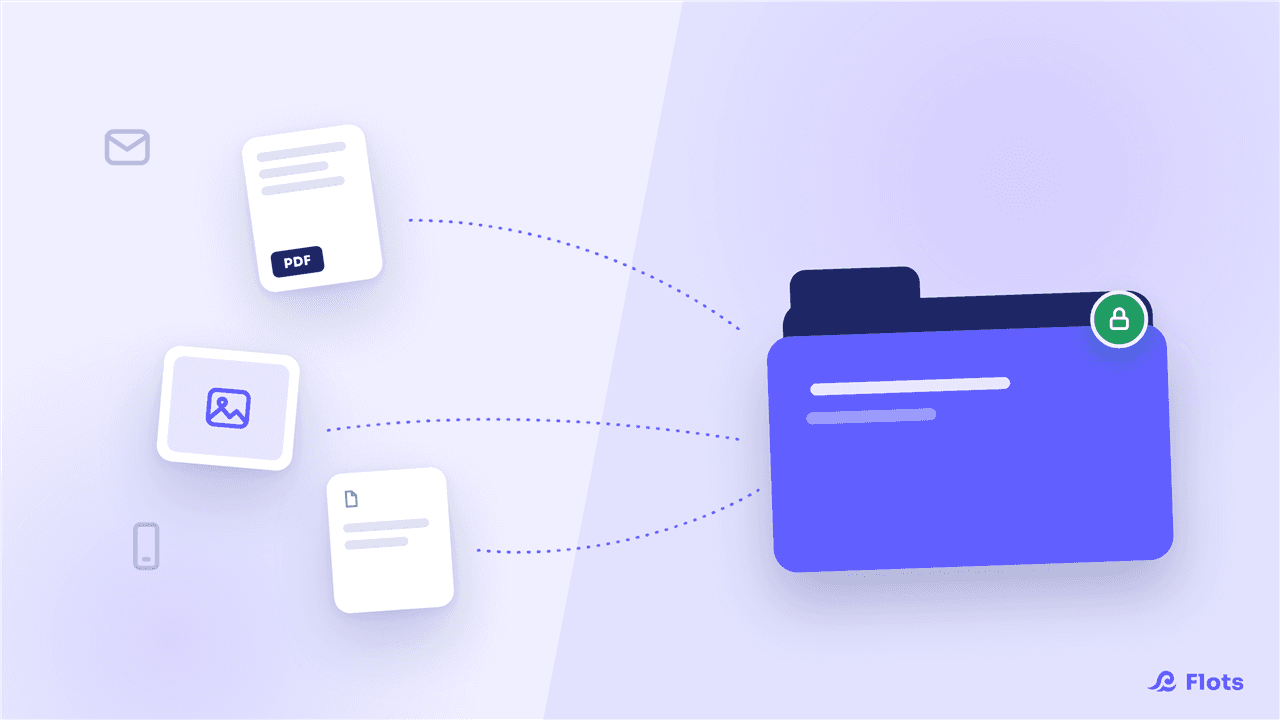
Flots launches the Documents space: import your PDFs and photos, organize them into folders, drop them into your notes. Private, encrypted storage.
Managing your documents in Flots: the guide to get started
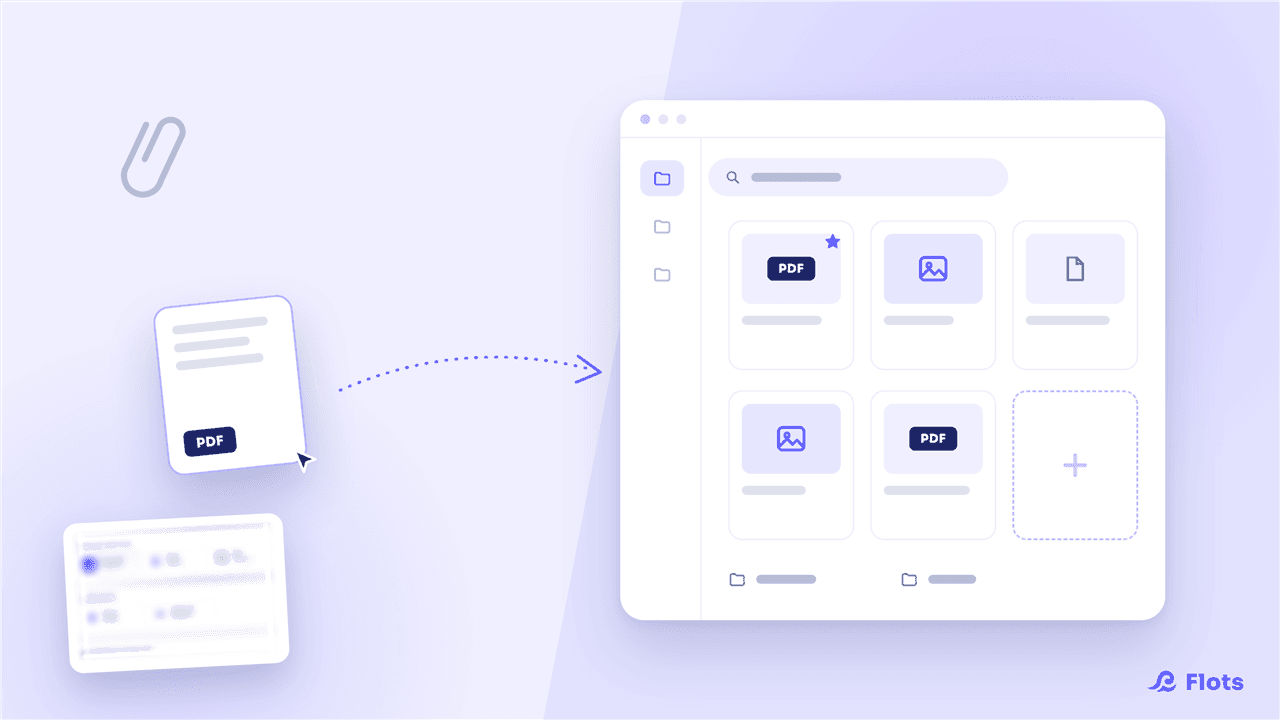
Import, organize and find your files in Flots: folders, favorites, PDF preview and links to your notes and projects. The guide to get started.
Planning view: manage your tasks and calendar in one place
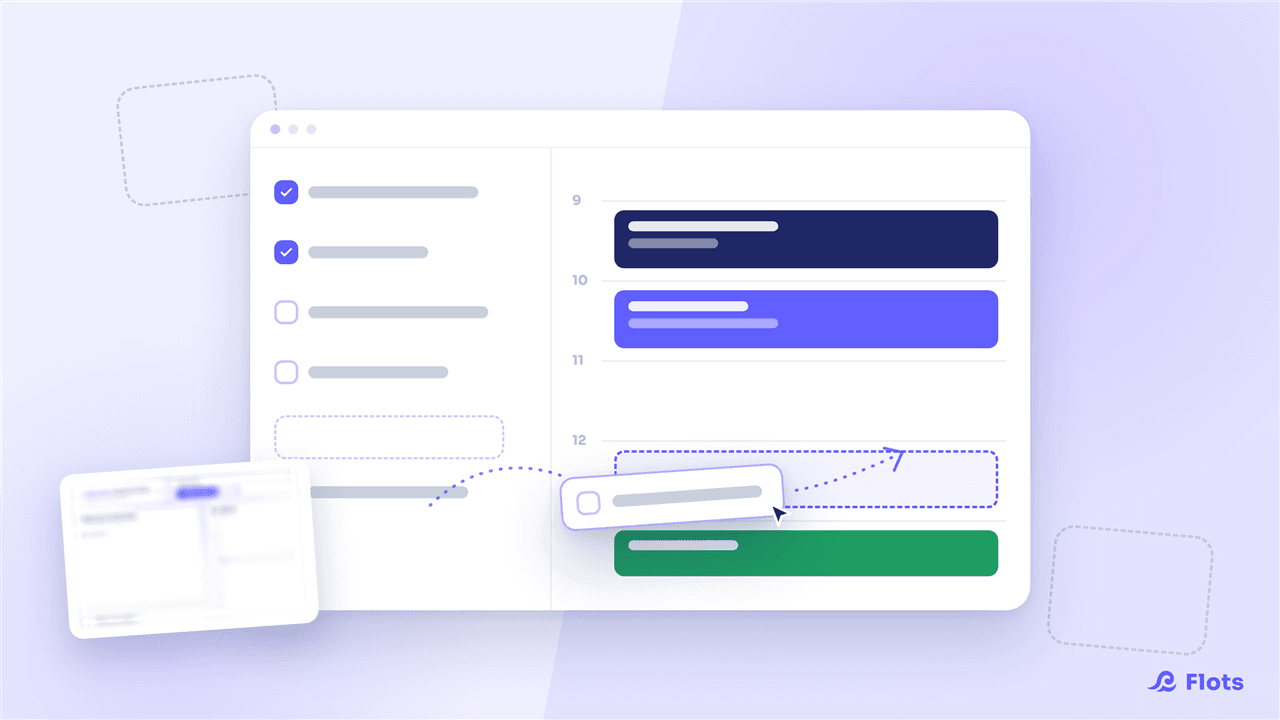
Flots brings the task list and calendar together in a new Planning view: organize your day, plan your week and see your workload at a glance.
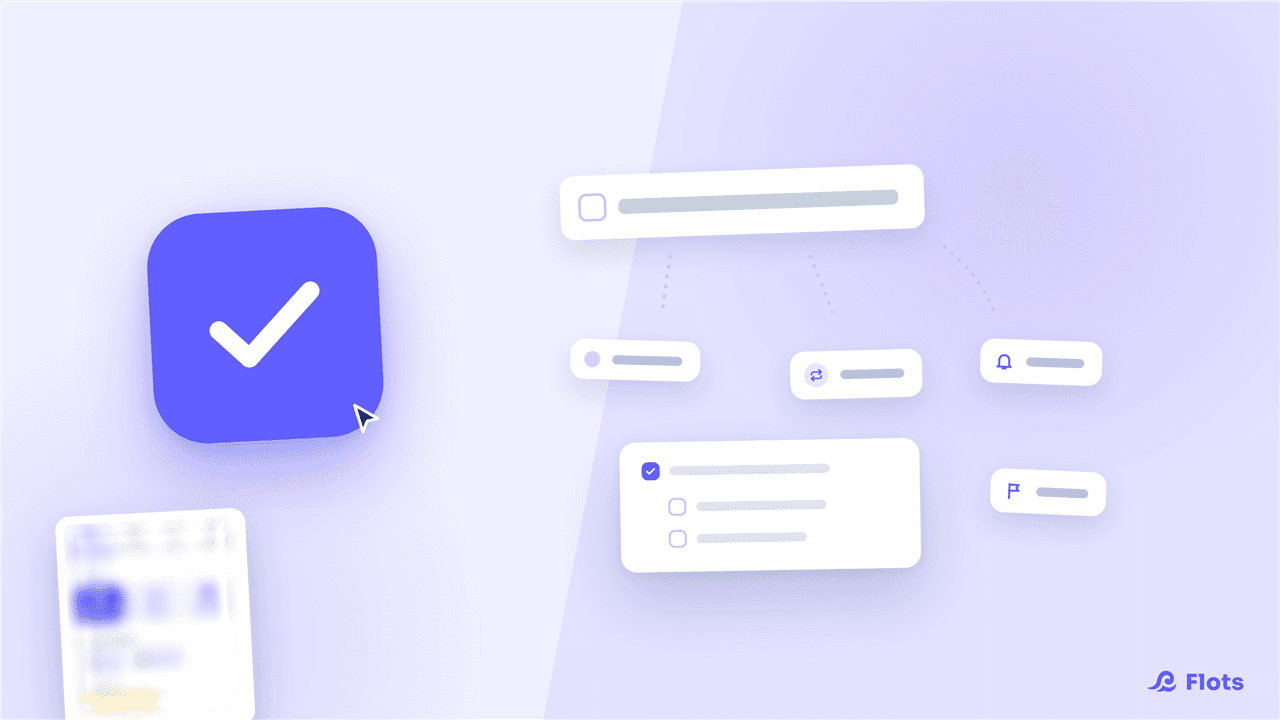
Managing your tasks in Flots: the guide to get started
Create a task in 2 clicks, then add categories, subtasks, recurrence and reminders as needed. The guide to managing tasks with Flots.
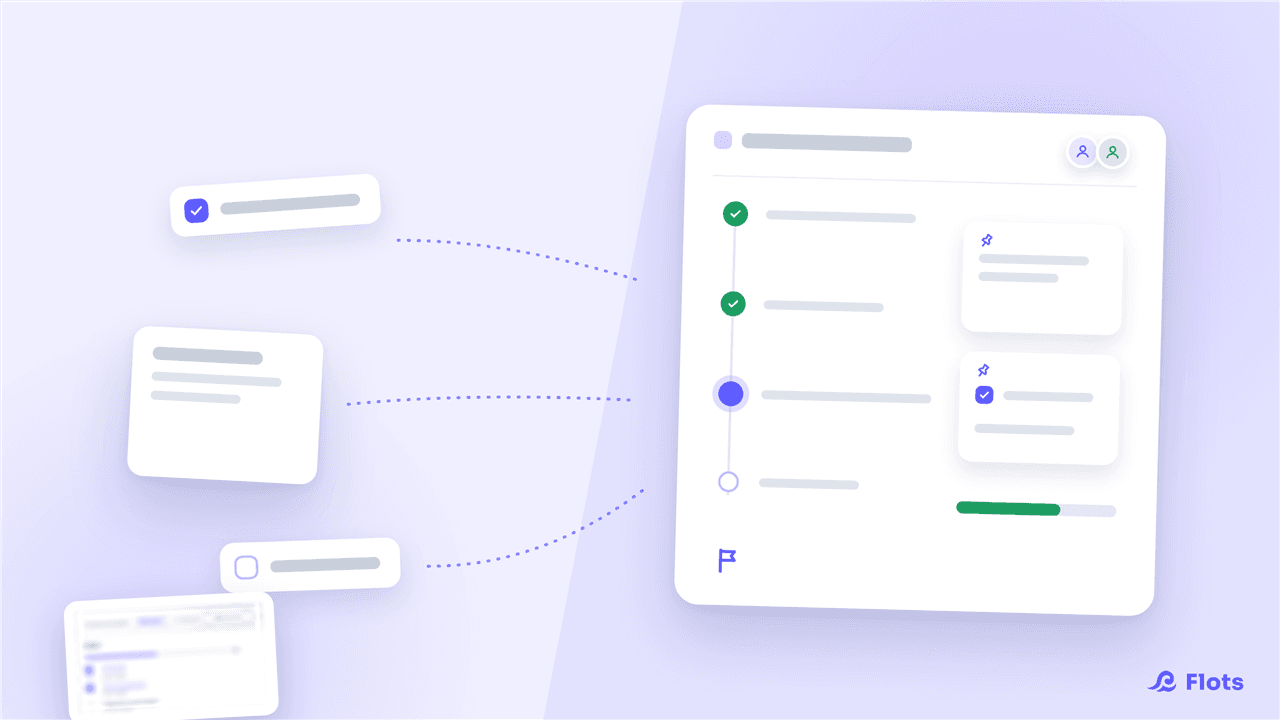
Managing your projects in Flots: the guide to get started
A dedicated space per subject, pinned items, milestones to track progress and collaboration with others. The guide to projects in Flots.
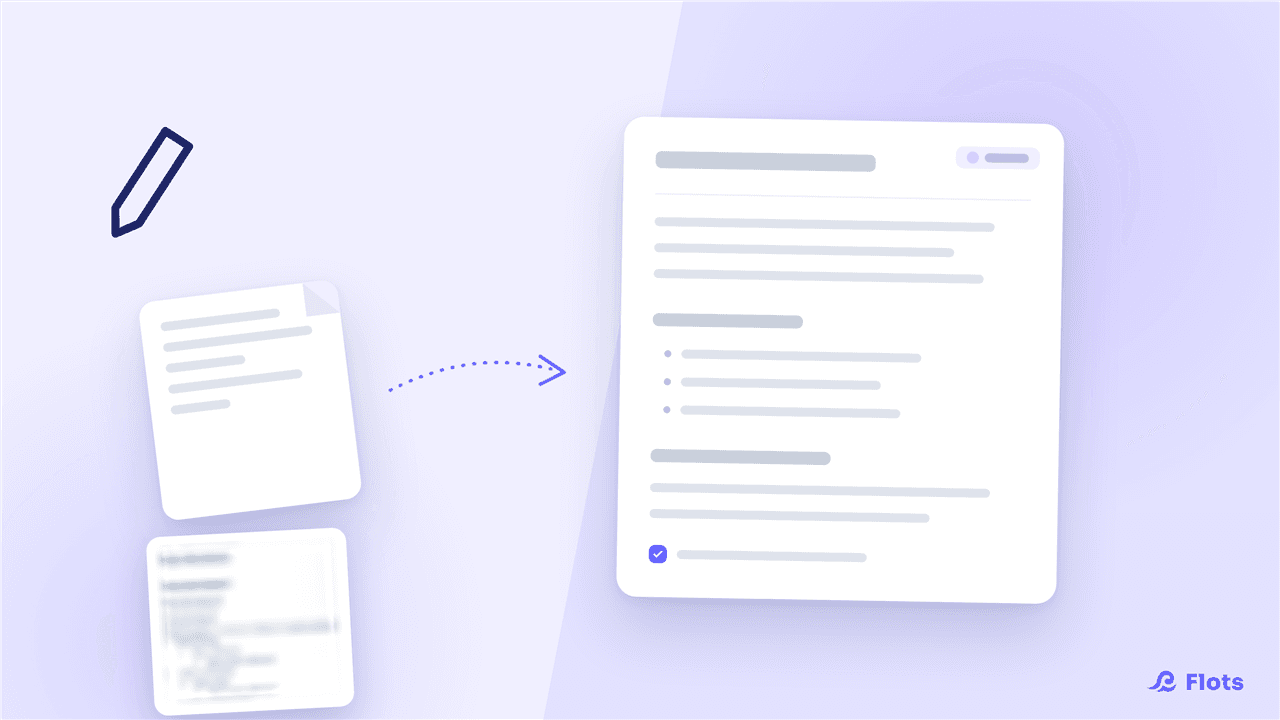
Taking notes in Flots: the guide to get started
Capture an idea in 2 clicks, format it in Markdown, sort it by category and extract your tasks from it. The guide to notes in Flots.

Cap, the Flots assistant: the guide to get started
Cap is your pocket secretary: it helps you plan your days, keeps the essentials in view and adopts the tone that suits you. The guide to the Flots assistant.
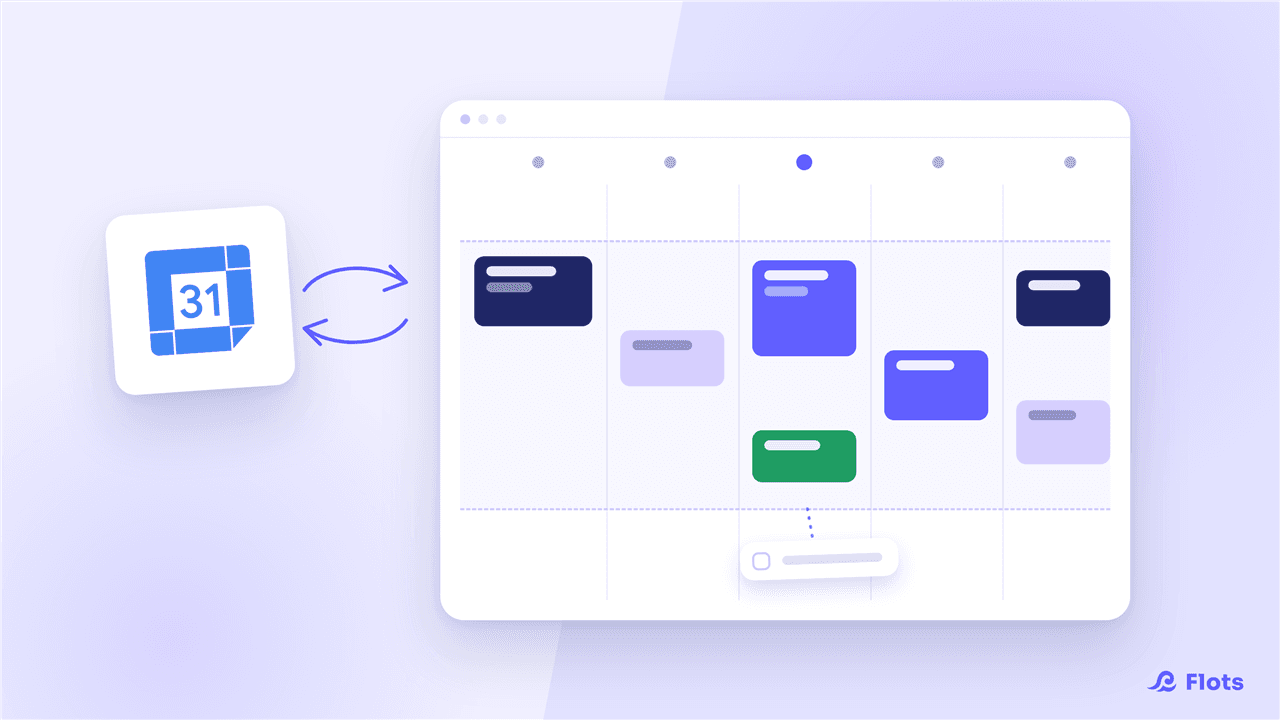
Organizing your calendar in Flots: the guide to get started
A calendar connected to Google Calendar, your working hours, and a planned day in 5 minutes by dragging your tasks. The guide to the Flots calendar.
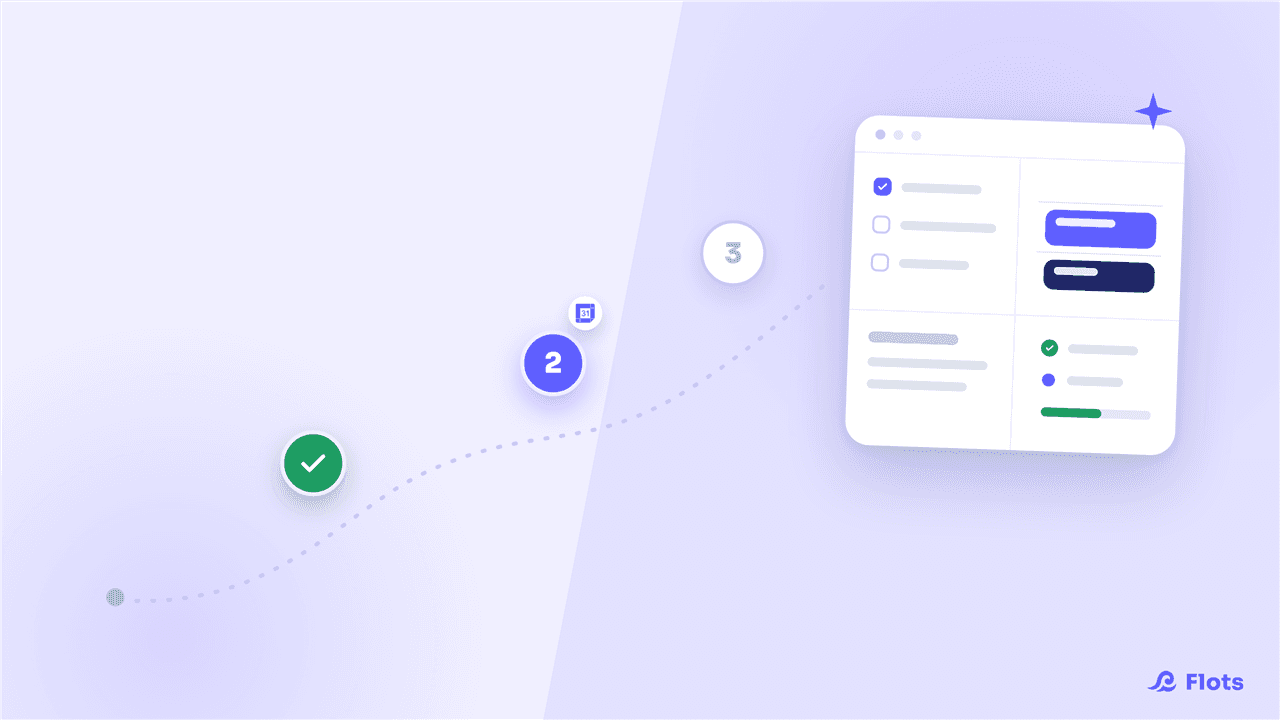
Getting started with Flots: overview and first steps
Flots brings tasks, calendar, notes and projects together in one place, with an assistant by your side. An overview, a tour of the tools, and first steps to get started.

Flots review: an AI engineer's experience
Antoine Bretzner, an AI engineer, uses Flots every day: quickly capturing ideas, taking notes in meetings, exporting minutes, and mobile access anywhere.
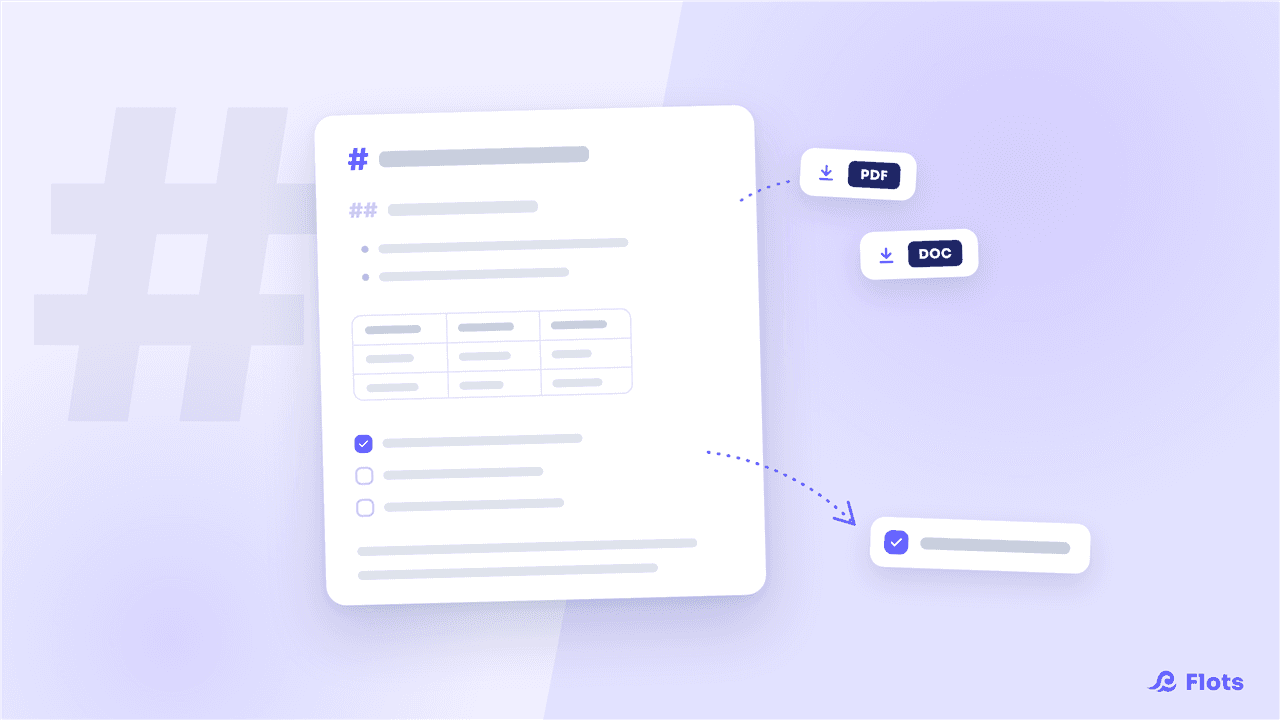
Notes go full Markdown: PDF and Word export, task extraction
Flots notes move to full Markdown: tables, checkboxes, equations, table of contents, task extraction and PDF / Word export to share in one click.
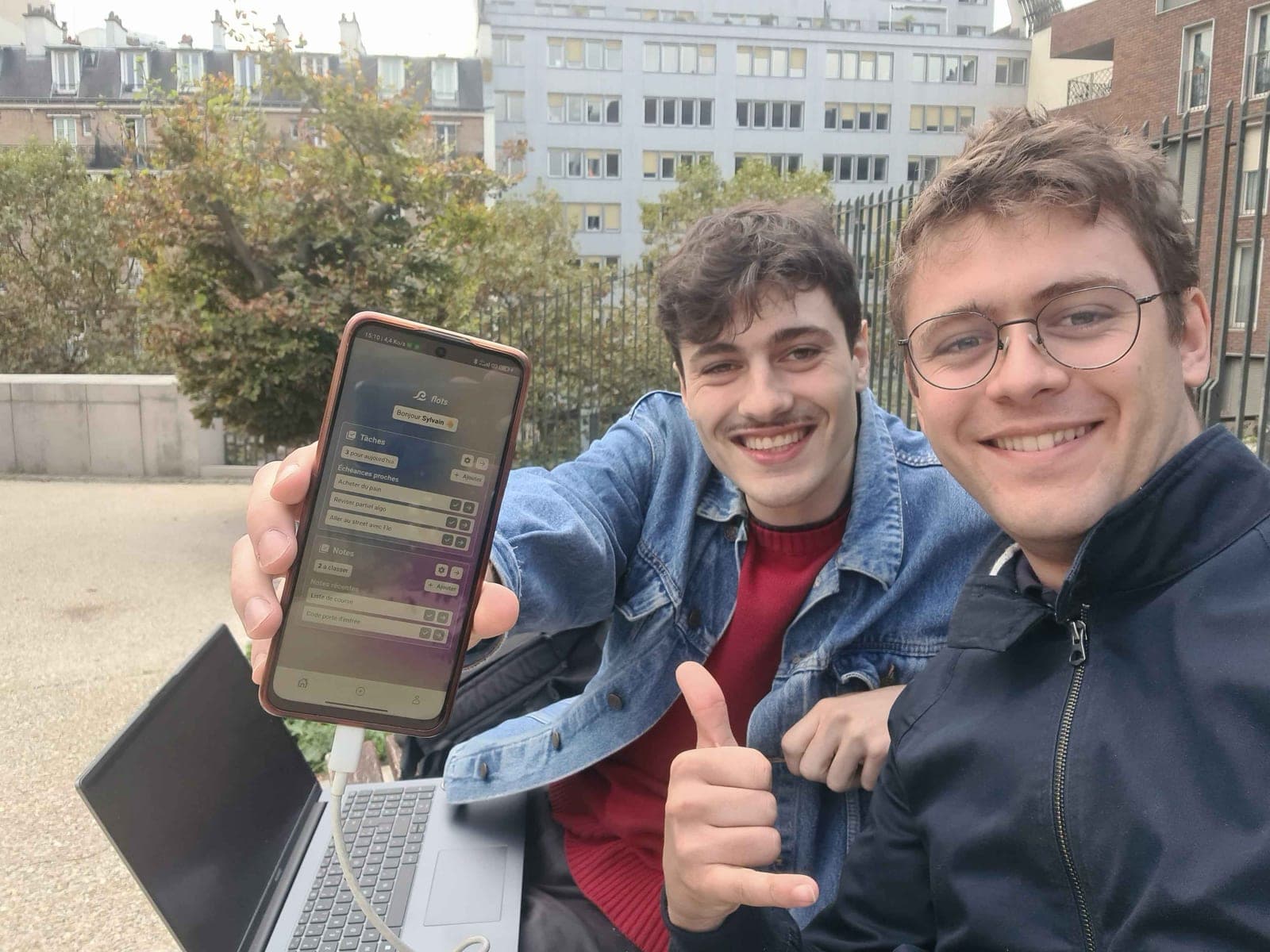
Building Flots: from idea to first steps
Behind the scenes of Flots: the original idea, a hand-drawn logo, a weekend working from a Parisian park, and the birth of a small personal assistant.